
Finding the perfect WordPress template for your blog can feel overwhelming. With thousands of options, it's easy to get lost in a sea of beautiful designs that all start to look the same. But the right template is more than just aesthetics; it’s the high-performance engine that powers your content, engages your readers, and supports your long-term growth. A truly effective theme must be fast, SEO-friendly, and highly customizable, especially for developers and designers using a powerful page builder like Elementor.
This guide cuts through the noise to provide a detailed comparison of the best blog WordPress templates available today. We move beyond surface-level features to focus on what truly matters: performance, customizability, and real-world usability. For each option, we'll analyze its core strengths and weaknesses, providing screenshots and direct links to help your evaluation.
We'll specifically explore how each template integrates with key tools like the Elementor page builder and specialized plugins such as Exclusive Addons. This will give you the practical, actionable insights needed to build a blog that not only looks professional but also delivers a flawless user experience and is built for scalability. Let’s dive into the platforms that will serve as the foundation for your next successful project.
1. ThemeForest (Envato Market)
ThemeForest, part of the Envato Market ecosystem, is a massive digital marketplace offering one of the largest single collections of premium WordPress themes online. It's less of a single theme provider and more of a superstore where thousands of independent authors and agencies list their products. This makes it a fantastic starting point for anyone looking for the best blog WordPress templates, as the sheer volume ensures you can find designs for virtually any niche, from personal travel blogs to sprawling news magazines.

The platform’s strength lies in its robust filtering and comparison tools. You can sort themes by best sellers, new releases, price, and user ratings. Each theme page provides a wealth of information, including live demos, detailed feature lists, buyer reviews, and, most importantly, a changelog and update history. This transparency is crucial for vetting the quality and long-term viability of a theme before you commit.
Vetting Themes on ThemeForest
The key to success on ThemeForest is doing your due diligence. Since quality varies between authors, focus on these metrics:
- Sales & Ratings: High sales numbers and positive reviews are a strong indicator of a reliable product.
- Last Updated: Ensure the theme is actively maintained and compatible with the latest WordPress version.
- Comments/Support Tab: Read through the public comments to gauge the author’s responsiveness and support quality.
Pricing is per-theme, typically including 6 months of author support, which can be extended. Once you've chosen and downloaded your theme files, the installation process is straightforward. For a detailed guide on this process, you can find helpful instructions on how to properly install a new WordPress template.
| Feature | ThemeForest (Envato Market) |
|---|---|
| Selection | Massive (tens of thousands of themes) |
| Pricing Model | Per-item purchase (usually $39 – $79) |
| Elementor Support | Varies by theme; many are built for it |
| Pros | Unmatched variety, competitive pricing, transparent reviews and update logs |
| Cons | Quality is author-dependent, support windows are time-limited |
Website: https://themeforest.net/category/wordpress
2. WordPress.org Theme Directory
The WordPress.org Theme Directory is the official and most trusted repository for free WordPress themes. As the official source, it serves as the safest starting point for anyone seeking the best blog WordPress templates without an initial financial investment. Every theme listed has passed a stringent review process by a community-run team, ensuring they meet specific coding standards, security guidelines, and are fully GPL-licensed, meaning they are free to use and modify.
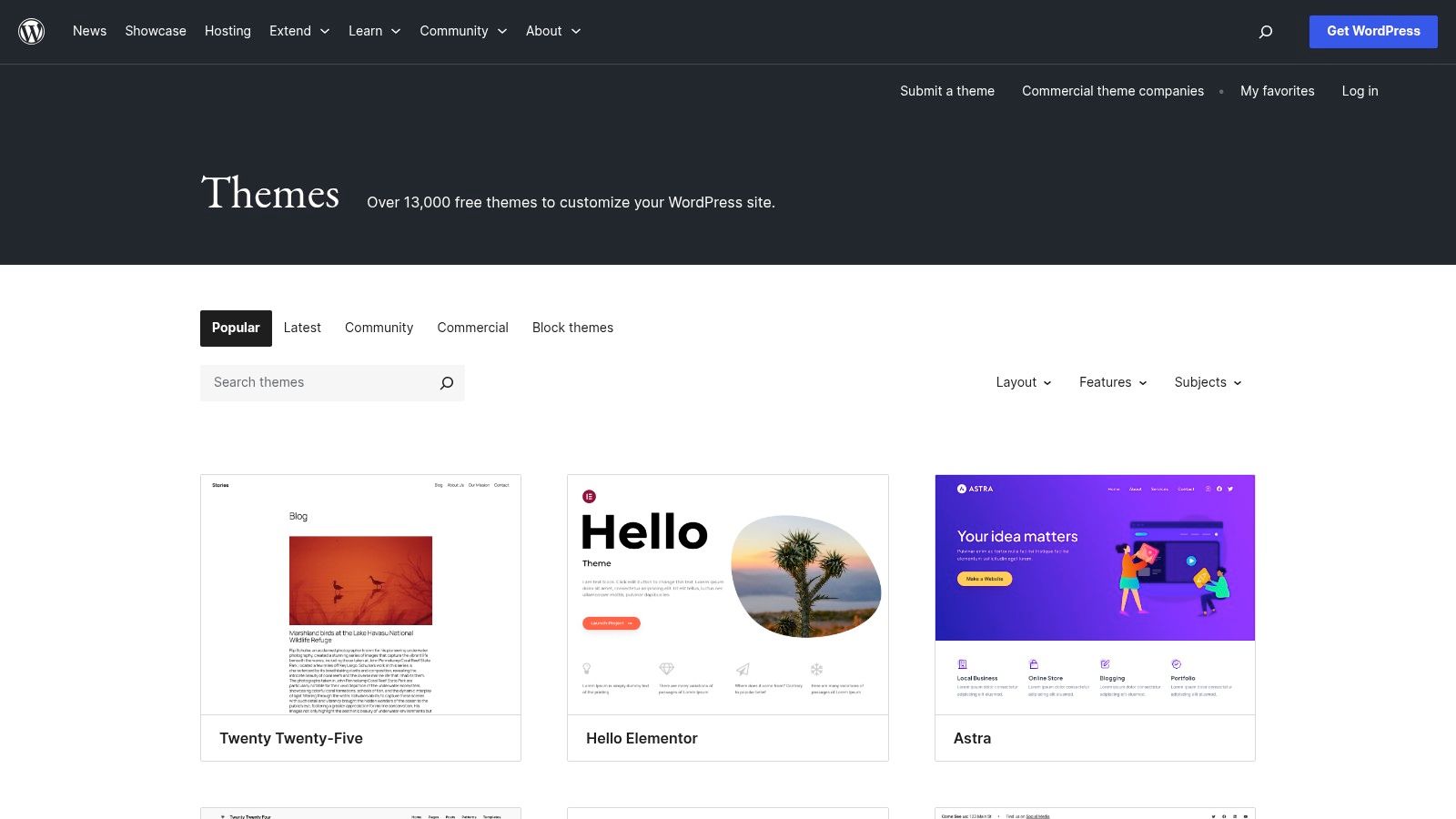
The platform's biggest advantage is its seamless integration with the WordPress dashboard. You can search, preview, and install themes with a single click without ever leaving your site's backend. The directory provides essential vetting information like active installation counts, user ratings, and the "Last Updated" date, which helps you identify well-maintained and popular options. For those just starting, it offers a risk-free way to experiment with different layouts and designs.
Vetting Themes on WordPress.org
While all themes meet a baseline quality standard, their features and support levels can vary. To find a reliable free theme, focus on these details:
- Active Installations: A high number of active installs often signals a trusted and stable theme.
- Last Updated: Prioritize themes updated recently to ensure compatibility with the latest WordPress core and security best practices.
- Reviews & Ratings: Check the 5-star ratings and read reviews to see what other users think about the theme’s flexibility and the developer’s support.
Though themes are free, some operate on a "freemium" model, offering a Pro version with more features sold separately. However, the free versions are typically fully functional for a standard blog. For a curated list of excellent options available here, you can explore some of the top blog templates for WordPress that are often found in the official directory.
| Feature | WordPress.org Theme Directory |
|---|---|
| Selection | Large (7,000+ free themes) |
| Pricing Model | Completely free (GPL-licensed) |
| Elementor Support | Varies by theme; many are built to be compatible |
| Pros | 100% free and secure, official community vetting, one-click installation from the dashboard |
| Cons | Feature sets can be more limited than premium themes, some may have upsells to a "Pro" version |
Website: https://wordpress.org/themes
3. Elegant Themes (Divi + Extra)
Elegant Themes offers a unique membership model centered around its flagship products: Divi, a powerful theme and visual page builder, and Extra, a dedicated magazine theme. This approach makes it a compelling option for those seeking an integrated ecosystem rather than just a single template. For users looking for the best blog WordPress templates combined with a full-fledged design framework, Elegant Themes provides an all-in-one solution that covers unlimited websites under a single license.
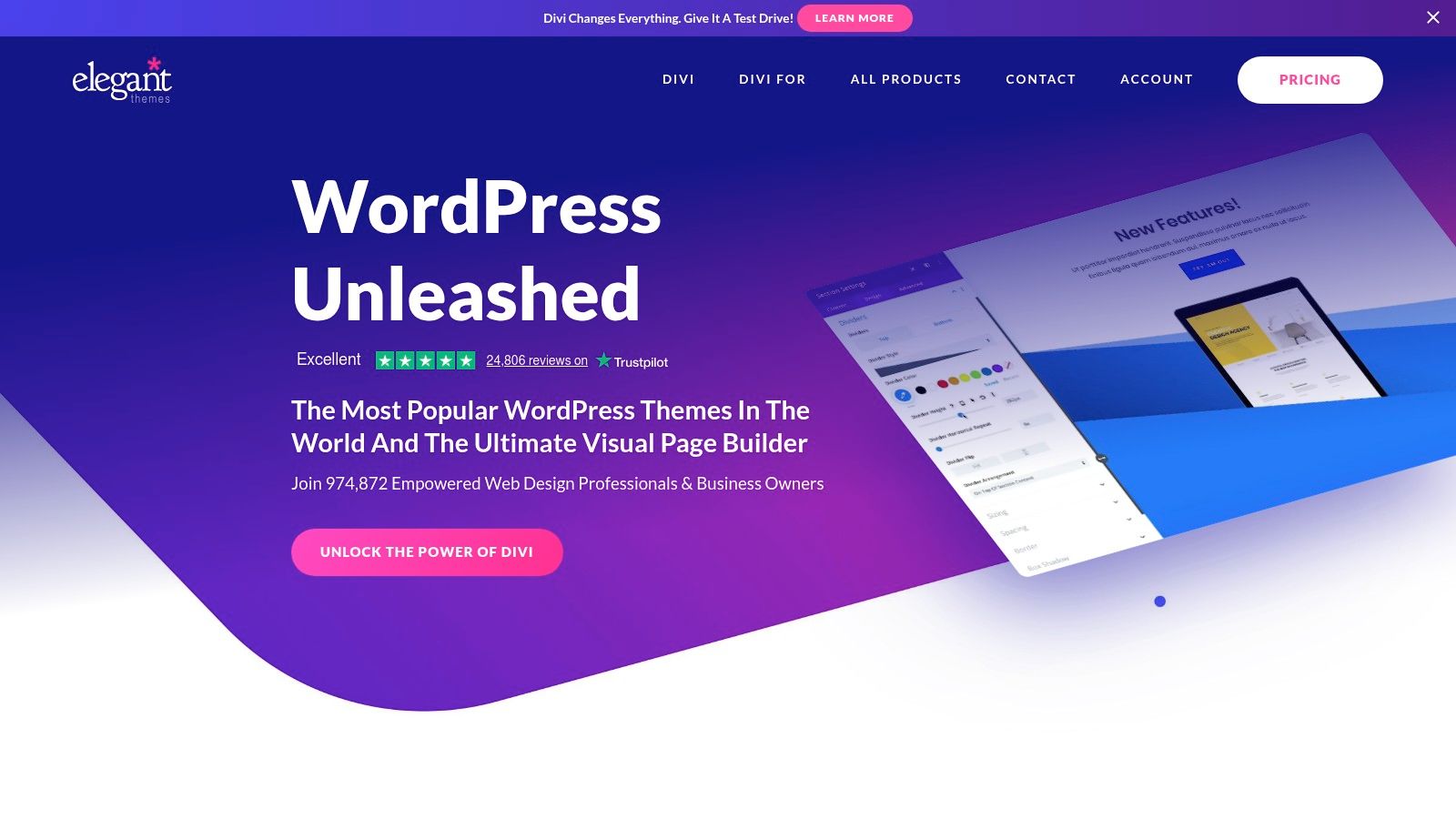
The core of the offering is the Divi Builder, a front-end, drag-and-drop editor that allows for real-time visual customization. The membership includes access to over 300 pre-made layout packs, many of which contain complete blog post and archive page templates, allowing you to launch a professional-looking blog quickly. The Extra theme, specifically, is tailored for bloggers and online magazines, featuring category-based layouts and post-format modules perfect for content-rich sites.
Maximizing the Elegant Themes Ecosystem
To get the most out of your membership, it's best to fully embrace the Divi or Extra framework. This means leveraging the built-in tools rather than relying on multiple third-party plugins for design.
- Explore Layout Packs: Start with a pre-built layout pack that matches your blog’s niche to save significant development time.
- Use the Theme Builder: Divi's Theme Builder lets you design custom headers, footers, and post templates that apply across your entire site, giving you full control over your blog's structure.
- Leverage Blogging Modules: Both Divi and Extra include specific modules for displaying posts in grids, carousels, and other dynamic layouts.
The membership is priced annually or as a one-time lifetime purchase, offering excellent long-term value. Once you are comfortable with the builder, you can learn more about how to edit WordPress templates to make even deeper customizations. This commitment to one system is powerful but can make migrating to a different builder later a more complex process.
| Feature | Elegant Themes (Divi + Extra) |
|---|---|
| Selection | Divi Theme/Builder, Extra Theme, 300+ Layout Packs, plugins |
| Pricing Model | Annual or lifetime membership for unlimited sites |
| Elementor Support | Not applicable; uses its own proprietary Divi visual builder |
| Pros | Excellent value with unlimited site license, powerful visual builder, vast library of pre-made layouts |
| Cons | Locks you into the Divi ecosystem, some new services are subscription-only |
Website: https://www.elegantthemes.com
4. StudioPress (Genesis Pro + child themes)
StudioPress offers a unique approach centered around its highly respected Genesis Framework. This framework acts as a secure, SEO-friendly, and lightweight foundation, upon which you install "child themes" for styling. This two-layer system makes StudioPress a top choice for serious bloggers, developers, and publishers who prioritize performance, security, and clean code above all else. Finding the best blog WordPress templates here means choosing a robust foundation first, then a design.
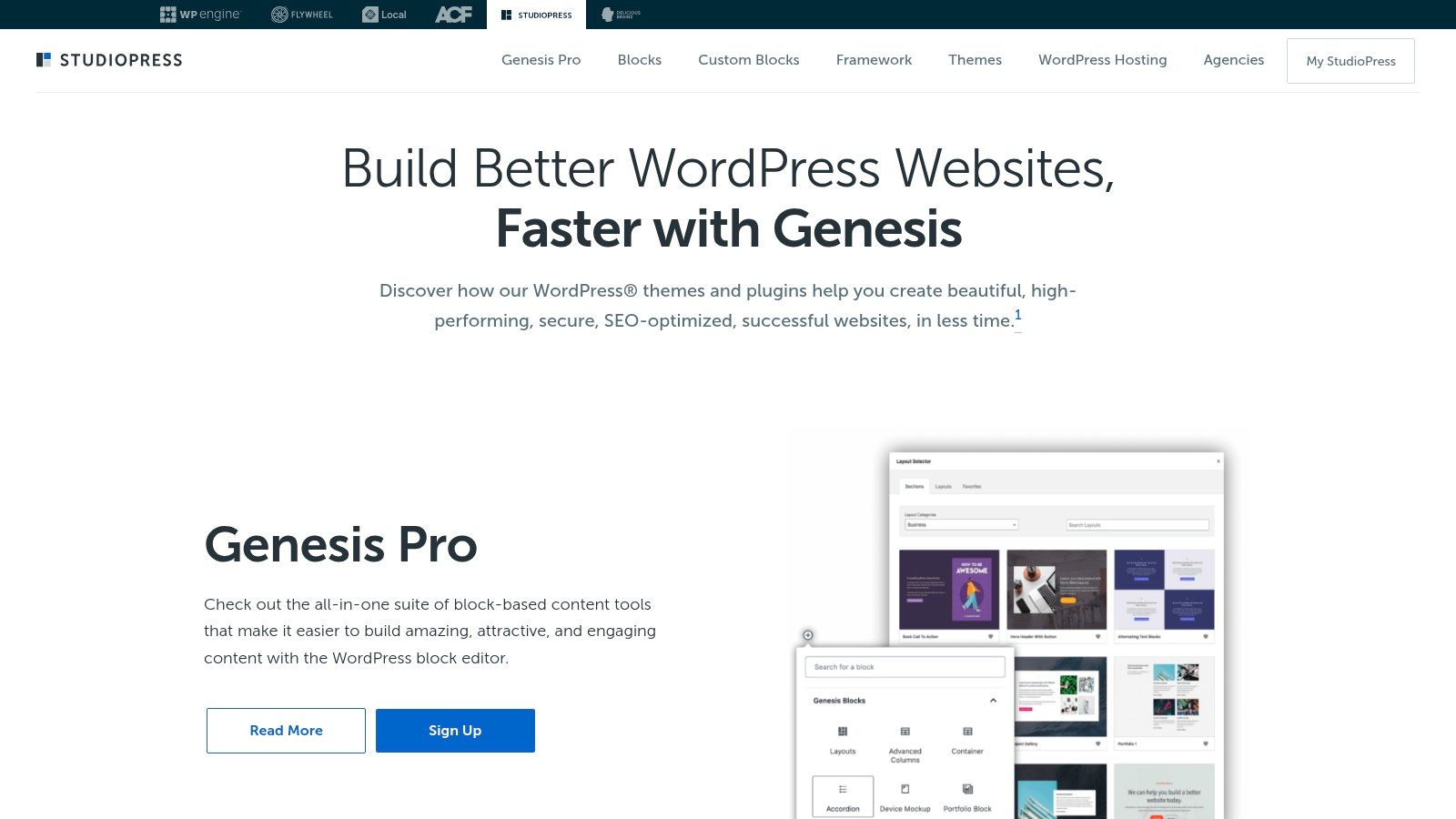
The primary offering, Genesis Pro, bundles the framework with access to a curated collection of StudioPress-made child themes, all optimized for the WordPress block editor. This subscription also includes powerful block-based tools, custom blocks, and advanced layout controls, empowering you to build professional blog layouts without sacrificing the core performance benefits of the Genesis ecosystem. This makes it an incredibly stable and scalable solution for content-heavy sites.
Understanding the Genesis Ecosystem
Working with StudioPress is different from a typical theme marketplace. The key is understanding its structure:
- Genesis Framework: The core parent theme that provides the foundation. You install it but don't activate it directly.
- Child Themes: These are the designs you activate. They inherit all the power of the framework while handling the site's look and feel. This separation allows you to update the framework without losing your customizations.
- Genesis Pro: This subscription gives you the framework, all StudioPress-made themes, and additional block editor enhancements for one annual fee.
The platform is backed by WP Engine, a leading managed WordPress host, ensuring a high level of quality control and support. The licensing is straightforward, with Genesis Pro allowing for use on unlimited websites, which is a significant advantage for freelancers and agencies.
| Feature | StudioPress (Genesis Pro + child themes) |
|---|---|
| Selection | Curated collection of performance-focused child themes |
| Pricing Model | Annual subscription (Genesis Pro) for framework + themes |
| Elementor Support | Possible, but primarily optimized for the native WordPress block editor |
| Pros | Exceptional performance, clean code, and SEO; stable and secure framework; unlimited site usage with Pro |
| Cons | Smaller theme catalog; less beginner-friendly than all-in-one themes; some popular child themes are from third parties |
Website: https://www.studiopress.com
5. Kadence WP
Kadence WP offers a modern, performance-first approach to WordPress themes, centered around a powerful yet lightweight core. The free Kadence Theme is incredibly capable on its own, but its true potential for bloggers is unlocked with its premium bundles. It excels by deeply integrating with the native WordPress block editor (Gutenberg), providing one of the smoothest and most intuitive customization experiences for those who prefer to build with blocks. This focus makes it one of the best blog WordPress templates for users seeking speed and simplicity.
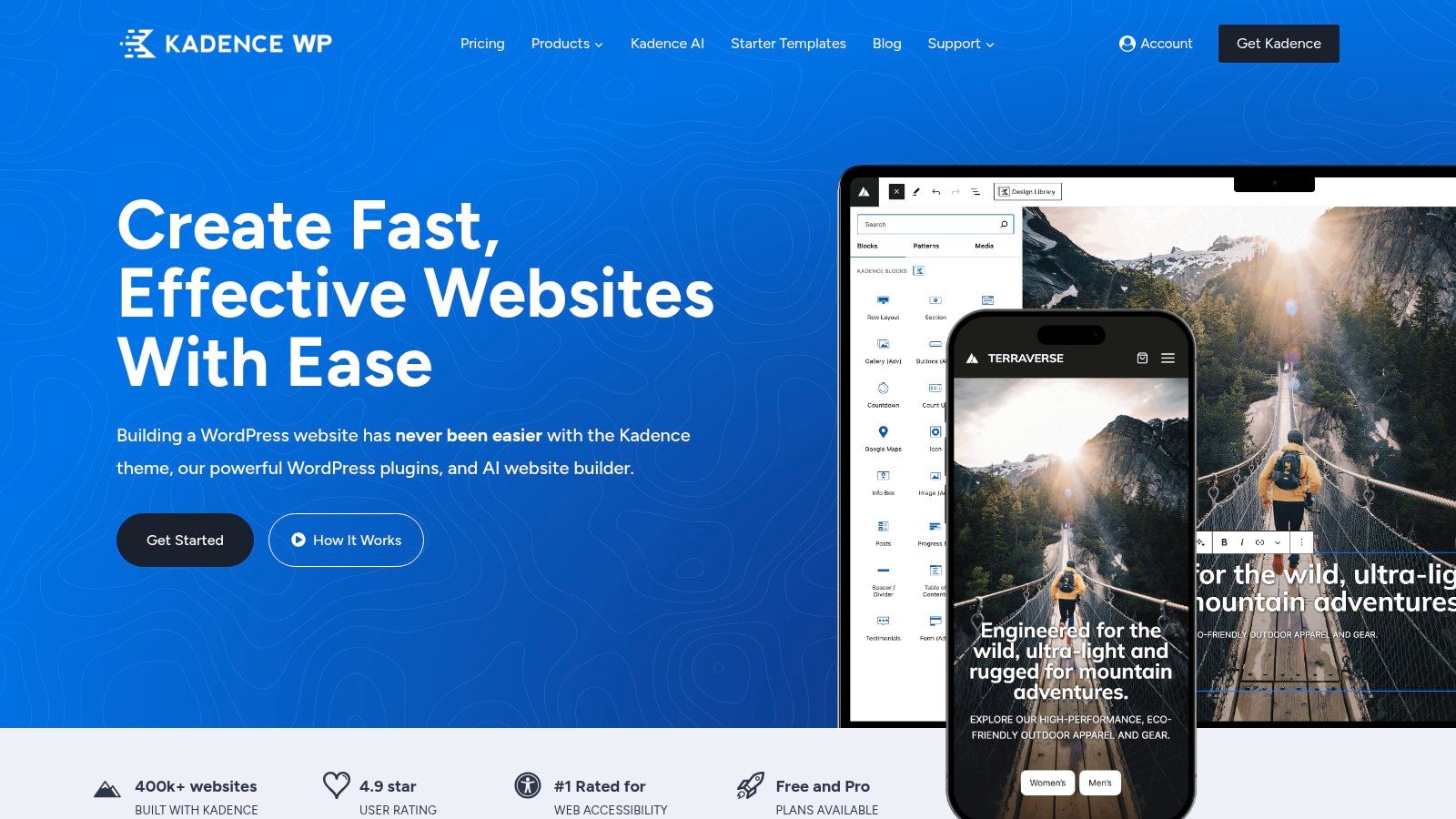
The platform's strength is its ecosystem. The premium plans grant access to Kadence Blocks Pro, Pro Starter Templates, and Kadence Conversions, which work together seamlessly. For bloggers, this means you can quickly import a professionally designed blog starter site and then use the advanced block library to create unique layouts for your posts and pages without touching any code. Features like hooked elements allow you to insert content (like ads or calls-to-action) anywhere on your site, a powerful tool for monetization.
Getting Started with Kadence
The best way to experience Kadence is to start with the free theme from the WordPress repository. This lets you test its core features, like the advanced header/footer builder and global color palette. If you need more advanced blog layouts, consider these points:
- Starter Templates: Browse the library of premium starter templates. They are full-site builds that can give your blog a professional look in minutes.
- Kadence Blocks: The free version is great, but the Pro version adds features like post carousels, dynamic content, and an image overlay block, perfect for creating engaging blog content.
- Plan Tiers: Review the premium bundles carefully. The "Essentials" bundle is often sufficient for most bloggers, while the "Full" bundle adds more advanced tools and access to all future products.
Kadence offers a 30-day money-back guarantee on its premium products, providing a risk-free way to test its full capabilities. Be mindful of their 2025 licensing changes, which introduced site limits on new purchases, so check the current plan caps before you buy.
| Feature | Kadence WP |
|---|---|
| Selection | Core free theme, dozens of premium starter templates |
| Pricing Model | Freemium (Free theme + Paid bundles from $149/yr) |
| Elementor Support | Works well with Elementor, but is optimized for Gutenberg |
| Pros | Lightweight and fast, excellent Gutenberg integration, generous starter template and pattern library |
| Cons | Advanced blog features require paid plans, recent licensing changes introduced site limits |
Website: https://www.kadencewp.com
6. Astra (Brainstorm Force)
Astra is one of the most popular and highly-regarded WordPress themes, known for its extreme focus on speed and performance. Developed by Brainstorm Force, it operates on a freemium model. The core theme is free, incredibly lightweight (less than 50KB on the frontend), and provides a clean, stable foundation. For those seeking the best blog WordPress templates, Astra’s true power is unlocked with its premium add-ons, which transform the base theme into a versatile and feature-rich toolkit.
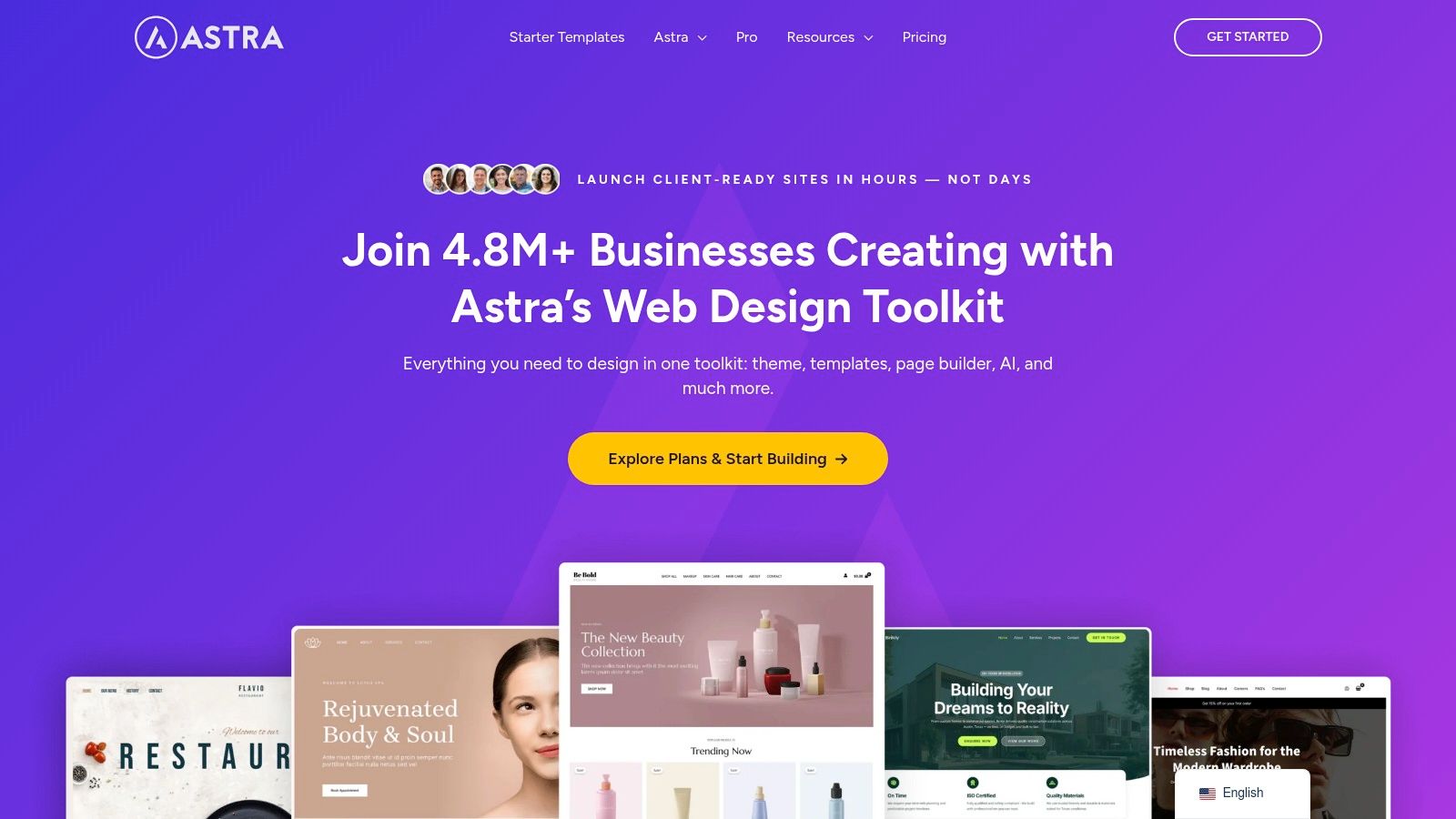
The platform's standout feature is its extensive library of "Starter Templates." These are hundreds of professionally designed, pre-built websites that can be imported in a few clicks. Many of these are specifically crafted for blogs, news sites, and magazines, providing an immediate professional layout. Astra is built to integrate seamlessly with major page builders like Elementor and Beaver Builder, as well as the native Gutenberg block editor, giving users complete creative control over their blog’s design without sacrificing performance.
Getting the Most Out of Astra
To leverage Astra effectively for a blog, the Astra Pro addon is a near-essential upgrade. It introduces critical features that elevate a simple blog to a professional publication.
- Advanced Blog Layouts: Gain control over grid layouts, list layouts, masonry designs, and excerpt lengths.
- Customizer Power: Access a wealth of options within the WordPress Customizer, including advanced typography, color controls, and header/footer layouts.
- Performance Focus: Even with premium features enabled, Astra maintains its commitment to speed, ensuring a fast-loading experience for your readers.
The pricing structure is flexible, with annual subscriptions and lifetime deals available for different bundles (Astra Pro, Essential Bundle, and Growth Bundle). It is important to check their website for current promotional pricing, as it can vary. This model allows you to start for free and scale up as your blog's needs grow.
| Feature | Astra (Brainstorm Force) |
|---|---|
| Selection | Ultra-light free core theme with a large library of premium Starter Templates |
| Pricing Model | Freemium (Free core theme; paid add-ons and bundles with annual/lifetime options) |
| Elementor Support | Excellent; deep integration with Elementor and other major page builders |
| Pros | Top-tier performance and speed, highly flexible and customizable, strong third-party ecosystem |
| Cons | Core free theme is basic; many advanced blog features require a paid add-on |
Website: https://wpastra.com
7. TemplateMonster
TemplateMonster is another major digital marketplace that rivals ThemeForest in scale, but with a more curated feel and a strong focus on service-based add-ons. It offers a massive catalog of themes with a dedicated section specifically for "Blog WordPress Themes," making it easy to find relevant designs. For bloggers looking for the best blog WordPress templates, TemplateMonster provides an excellent platform with robust filtering options that allow you to sort by page builder, features, style, and price.
The platform’s key differentiator is the integration of vendor services. Alongside purchasing a theme, you can often add services like installation, setup, and even on-page SEO optimization directly from the theme's author or TemplateMonster's team. This is a significant advantage for users who are less technical or want a turnkey solution. Additionally, many themes are packaged specifically for popular builders like Elementor and Gutenberg, ensuring a smoother setup process.
Vetting Themes on TemplateMonster
Like any marketplace, the quality can vary between different authors. To make an informed decision, pay close attention to the following:
- Downloads & Ratings: Check the number of downloads and user reviews to gauge a theme's popularity and reliability.
- Live Demos: Always explore the live demo to ensure the theme's look, feel, and functionality match your blog's vision.
- Vendor Services: Evaluate if the available add-on services, such as installation or customization, could save you time and effort.
TemplateMonster offers both individual theme purchases and a subscription service called MonsterONE, which provides access to a huge library of digital assets for a recurring fee. This makes it a cost-effective option for agencies or freelancers who need a wide variety of resources.
| Feature | TemplateMonster |
|---|---|
| Selection | Very large (thousands of blog-specific themes) |
| Pricing Model | Per-item purchase or subscription (MonsterONE) |
| Elementor Support | Excellent; many themes are built for Elementor |
| Pros | Strong filtering tools, integrated installation/customization services, subscription options available |
| Cons | Quality varies by author, complex pricing with different fees for products |
Website: https://www.templatemonster.com/blog-wordpress-themes
Top 7 WordPress Blog Theme Comparison
| Title | Implementation Complexity 🔄 | Resource Requirements ⚡ | Expected Outcomes 📊 | Ideal Use Cases 💡 | Key Advantages ⭐ | Trade-offs |
|---|---|---|---|---|---|---|
| ThemeForest (Envato Market) | Moderate — per‑theme setup and vendor variability | Paid per item; no free program | ⭐⭐⭐ — broad choice, inconsistent maintenance | Comparison shopping for niche premium designs | Massive catalog, demos, ratings | All paid; quality varies by author |
| WordPress.org Theme Directory | Low — one‑click install from wp‑admin | Free GPL themes; minimal cost | ⭐⭐ — safe, low‑cost baseline for blogs | Zero‑budget blogs; safe starter themes | Free, community‑vetted, install counts | Limited block‑theme filters; possible external upsells |
| Elegant Themes (Divi + Extra) | Moderate — visual builder workflow (learning curve) | Membership (annual or lifetime); unlimited sites | ⭐⭐⭐⭐ — highly customizable, many layouts | Bloggers wanting front‑end design and layout packs | Visual builder, 300+ layouts, strong support | Builder lock‑in; some services recurring |
| StudioPress (Genesis Pro + child themes) | Low‑Moderate — framework + child theme setup | Paid Pro or theme purchases; focused tooling | ⭐⭐⭐⭐ — performant, SEO‑friendly foundation | Performance‑minded publishers and long‑term sites | Clean code, trusted ecosystem, SEO focus | Smaller catalog; some child themes sold separately |
| Kadence WP | Low — block‑first, easy customization | Free core; paid plans for pro features (site caps) | ⭐⭐⭐⭐ — lightweight, fast, many starter patterns | Non‑coders wanting fast, modern blogs | Fast, SEO‑friendly, generous starter library | Advanced features behind paywall; licensing limits |
| Astra (Brainstorm Force) | Low — lightweight core, many starter sites | Free core with paid add‑ons/bundles | ⭐⭐⭐⭐ — high performance and versatile demos | Content‑heavy blogs needing speed and flexibility | Speed, wide starter library, builder compatibility | Key features often in paid bundles; pricing varies |
| TemplateMonster | Moderate — marketplace purchase + varied setups | Paid purchases; optional vendor setup services | ⭐⭐⭐ — wide variety, niche matches possible | Finding niche/Elementor‑ready blog designs | Strong filtering, budget options, vendor services | Quality varies by author; pricing models differ |
Making the Final Call: Your Blueprint for Blog Success
We've journeyed through a comprehensive landscape of the best blog WordPress templates available today, from the sprawling marketplaces of ThemeForest and TemplateMonster to the laser-focused frameworks offered by Astra, Kadence, and StudioPress. Each option presents a unique starting point, catering to different project needs, technical skill levels, and creative visions. Your final choice isn't about finding a single "best" theme, but about identifying the right foundation for your specific goals.
The central takeaway is that a WordPress template is a starting point, not a final destination. The true power to create a standout blog lies in strategic customization. A theme provides the essential structure and style, but powerful tools like Elementor and Exclusive Addons are what transform that structure into a dynamic, engaging, and uniquely branded user experience. This combination moves you from being a theme user to a true web creator.
How to Choose Your Ideal Template
To make an informed decision, filter your options through these critical lenses. Your perfect match will align with your answers to these questions:
- For the Agency or Freelancer: Do you need a single, highly flexible theme like Divi or Astra Pro that you can master and deploy across multiple client projects? Or do you prefer the variety of a marketplace like ThemeForest to find a niche-specific template for each client?
- For the Performance-Oriented Developer: Is your top priority a lightweight, performance-first foundation? Frameworks like Kadence and Genesis Pro offer unparalleled speed and clean code, giving you a solid base for custom development and ensuring excellent Core Web Vitals.
- For the DIY Blogger or Marketer: Are you looking for a user-friendly, code-free experience? The WordPress.org Theme Directory paired with a builder-friendly theme like Astra's free version provides an accessible and powerful starting point without an initial investment.
Your Actionable Next Steps
Once you've selected your theme, the real work begins. Your focus should immediately shift from the template itself to building an exceptional user experience and crafting compelling content. Remember that your blog's design is the vessel, but your content and audience engagement strategy are the engine for growth.
With your theme and Elementor in place, you can leverage Exclusive Addons to implement sophisticated features without writing code. Think about elevating your post layouts with the dynamic Post Grid widget or capturing attention with subtle Lottie animations. These elements turn a standard blog into an interactive platform. After your site's foundation is solid, focusing on content and building a community is crucial. For example, you can learn more about effective strategies for connecting with clients and readers through your platform.
Ultimately, the best blog WordPress templates are those that empower your creativity rather than restrict it. Choose a foundation that aligns with your technical comfort level and project scope, then amplify its potential with the right set of tools. This strategic pairing is your blueprint for building a successful, memorable, and high-performing blog.
Ready to unlock the full potential of your chosen blog template? Supercharge your Elementor workflow with Exclusive Addons. Access over 100 powerful widgets and extensions to build the dynamic, feature-rich blog you've envisioned, all without a single line of code.