
Finding a truly innovative website layout can feel like searching for a needle in a haystack. You know a generic, cookie-cutter design won't capture your audience's attention, but staring at a blank canvas is rarely the best way to spark creativity. The right inspiration is crucial, but where do you find it? Scrolling endlessly through random designs often leads to more confusion than clarity, wasting valuable time you could be spending on development and client work.
This guide eliminates the guesswork by curating a definitive list of the best platforms to find compelling layout ideas. We've compiled the top resources, from massive marketplaces to award-winning showcases, to give you a reliable starting point for your next project. Each entry details what makes the platform unique, who it's best for, and provides direct links and screenshots to help you navigate their offerings. Whether you need a complete theme, a specific section block, or just a spark of inspiration, you'll find a layout ideas website here that fits your needs. We'll explore powerhouse resources like ThemeForest and Awwwards, as well as specialized collections from Webflow and Exclusive Addons, ensuring you have a diverse and high-quality pool of designs to draw from for your Elementor projects.
1. Exclusive Addons
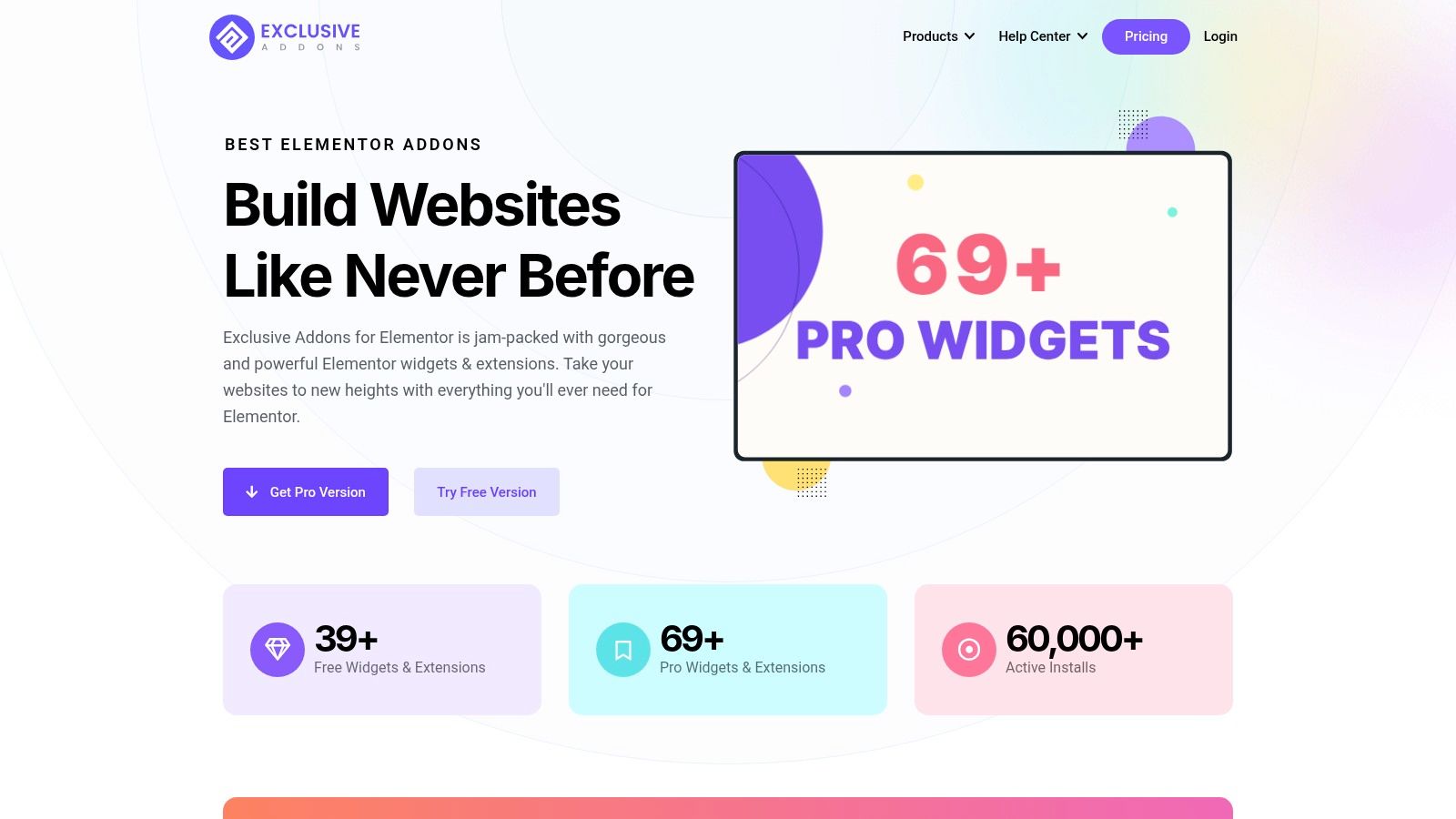
For WordPress designers and developers using Elementor, finding a single resource that provides both creative inspiration and the tools for execution can be a challenge. Exclusive Addons for Elementor brilliantly solves this by functioning as a comprehensive toolkit, making it a standout resource for anyone seeking fresh website layout ideas. It's not just a gallery of concepts; it's a powerful plugin that provides the building blocks to bring those ideas to life quickly and efficiently.
With over 108 widgets and extensions, plus a vast library of 64+ pre-built templates and 900+ section blocks, Exclusive Addons serves as an expansive design playground. Whether you're looking for a sleek corporate layout, a vibrant portfolio, or a high-converting e-commerce storefront, the library offers a robust starting point.
Why It Excels as a Layout Resource
What sets Exclusive Addons apart is its seamless integration of modern design trends and practical functionality. The plugin allows users to implement sophisticated effects like Glassmorphism, gradient animations, and interactive particle backgrounds without writing any code. For those building online stores, the dedicated WooCommerce widgets offer specialized layout options for product grids, carousels, and more.
Key features that accelerate the design process include:
- Cross-Site Copy & Paste: A significant time-saver for agencies and freelancers managing multiple client sites.
- Header & Footer Builder: Provides full creative control over the most critical sections of a website's layout.
- Performance-First Approach: The plugin only loads the assets for widgets being used on a page, preventing site bloat and ensuring fast load times.
Practical Implementation
The best way to leverage Exclusive Addons for layout ideas is to explore its free and pro demo templates. You can preview complete layouts to understand how different widgets and effects combine to create a polished final product. The plugin offers a substantial free version with 39+ widgets, while the Pro version unlocks the full suite of advanced tools and e-commerce capabilities. While the free tier is generous, access to the most innovative features requires a Pro license. For more information, you can explore the collection of free Elementor layouts from Exclusive Addons.
Website: https://exclusiveaddons.com
2. ThemeForest (Envato Market)
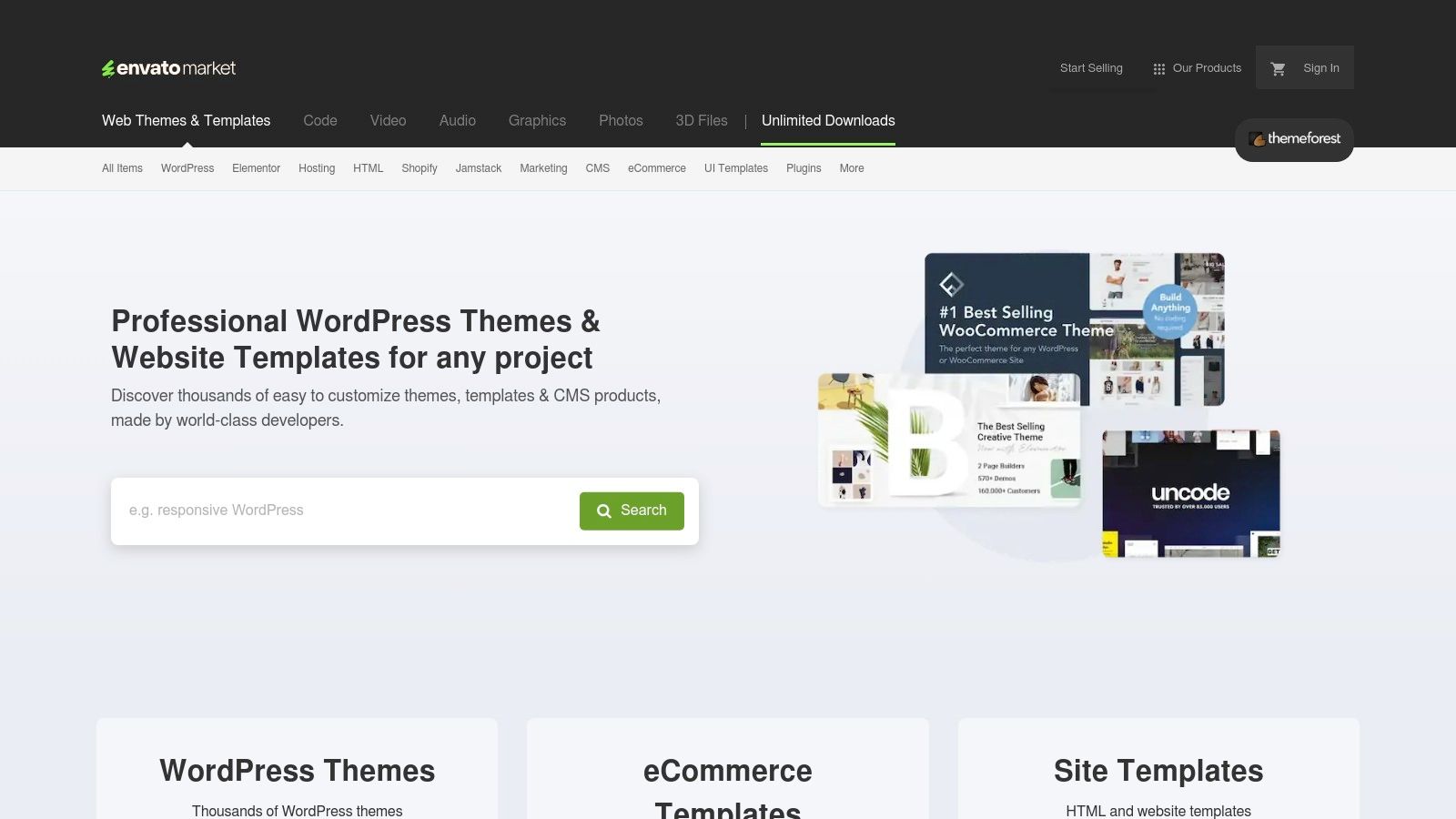
ThemeForest, part of the Envato Market, is a vast marketplace rather than a single tool, making it an indispensable resource for anyone seeking a layout ideas website. It hosts tens of thousands of premium website themes and templates for platforms like WordPress, Shopify, and Joomla. For designers and developers, its main value lies in providing ready-made, professionally designed layouts that can be purchased, customized, and launched quickly, offering a cost-effective alternative to building a design from scratch.
Unlike inspiration-only galleries, ThemeForest offers fully functional products. You can browse countless live demos to see exactly how a layout works, interacts, and responds across devices. This hands-on approach allows you to evaluate not just the aesthetics but also the user experience, making it a practical source of layout ideas backed by real-world code.
Key Features and Offerings
ThemeForest stands out due to its sheer scale and the commercial nature of its listings. Each theme is a complete package, often bundled with premium plugins and extensive documentation.
- Massive Catalog: With categories for every niche imaginable-from corporate and portfolio to e-commerce and blogging-the variety is unparalleled.
- Live Demos: Nearly every theme includes multiple pre-built demo sites. These are perfect for exploring different layout configurations, color schemes, and structural concepts.
- Clear Licensing: Themes are purchased individually under a clear licensing model (Regular or Extended). A standard license typically includes future updates and six months of support from the theme author.
- User Reviews and Ratings: Community feedback provides a crucial layer of quality control, helping you vet themes based on performance, support quality, and customizability.
Practical Tips for ThemeForest
To get the most out of ThemeForest as a layout ideas website, focus on analysis rather than just purchasing. Use the robust filtering system to find top-rated themes in your target industry. Study how best-selling authors structure their hero sections, organize complex navigation menus, and present calls to action. Pay close attention to how they use plugins like Elementor to create modular, flexible designs that you can replicate or adapt in your own projects.
Visit Website: ThemeForest (Envato Market)
3. Webflow Template Marketplace
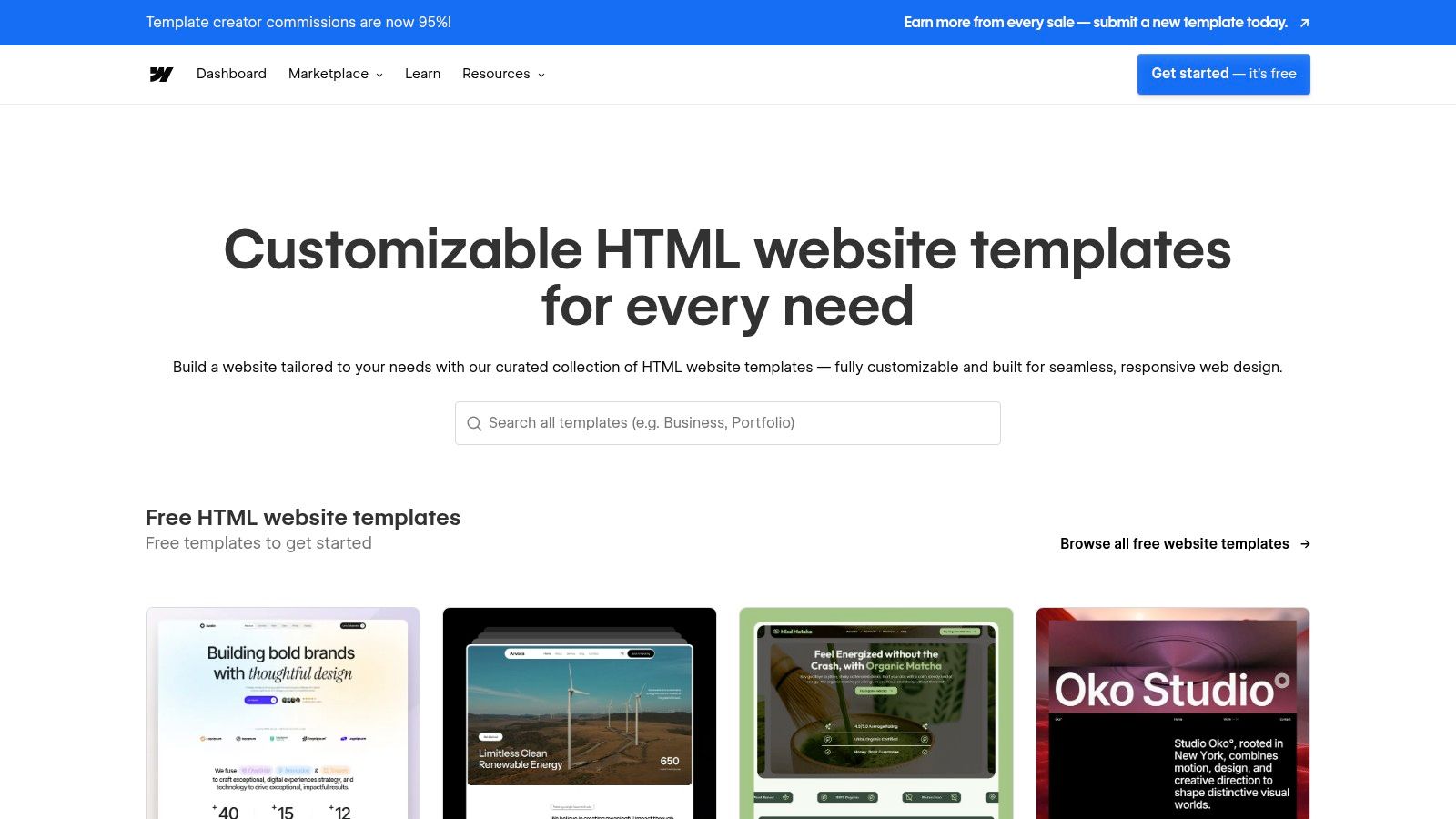
The Webflow Template Marketplace is a highly curated platform that serves as a premier layout ideas website for designers and developers invested in the Webflow ecosystem. It offers a collection of free and premium templates that showcase modern, animation-rich, and fully responsive designs. Its primary strength is the seamless integration with the Webflow Designer, allowing users to clone or purchase a template and begin customizing it instantly within a powerful visual editor.
Unlike static inspiration galleries, Webflow templates provide a hands-on, interactive experience. You can open any template directly in the Webflow Designer to deconstruct its structure, animations, and CMS connections. This makes it an exceptional learning tool and a practical starting point for projects, as you can see precisely how professional-grade layouts are built and then adapt those techniques for your own work without writing a single line of code.
Key Features and Offerings
Webflow’s marketplace stands out for its deep integration with its native visual development platform and its high-quality, curated submissions. The focus is on modern aesthetics and advanced interactions.
- Integrated Visual Workflow: Templates open directly in the Webflow Designer, giving you immediate access to modify every element visually. This is ideal for adapting layouts without needing to code.
- 'Made in Webflow' Cloneables: Alongside official templates, the community offers "cloneable" projects, which are free to copy and use as a foundation for exploring complex interactions and unique layout structures.
- CMS and E-commerce Ready: Many templates come pre-configured with Webflow’s powerful CMS and e-commerce functionalities, providing complete structural ideas for blogs, portfolios, and online stores.
- Strict Quality Standards: Each template undergoes a review process, ensuring high standards for design, responsiveness, and performance are met.
Practical Tips for Webflow Template Marketplace
To leverage the marketplace for layout ideas, use the "Made in Webflow" section to find innovative community projects. Clone them into your Webflow account to reverse-engineer complex interactions and grid structures. When evaluating premium templates, pay close attention to their CMS structure and how dynamic content is integrated. This can provide valuable blueprints for building scalable, content-driven layouts even if you are working in a different environment like Elementor Pro. Remember that while a Webflow account is needed, exploring and cloning templates is free, making it an accessible resource for pure inspiration.
Visit Website: Webflow Template Marketplace
4. Shopify Theme Store
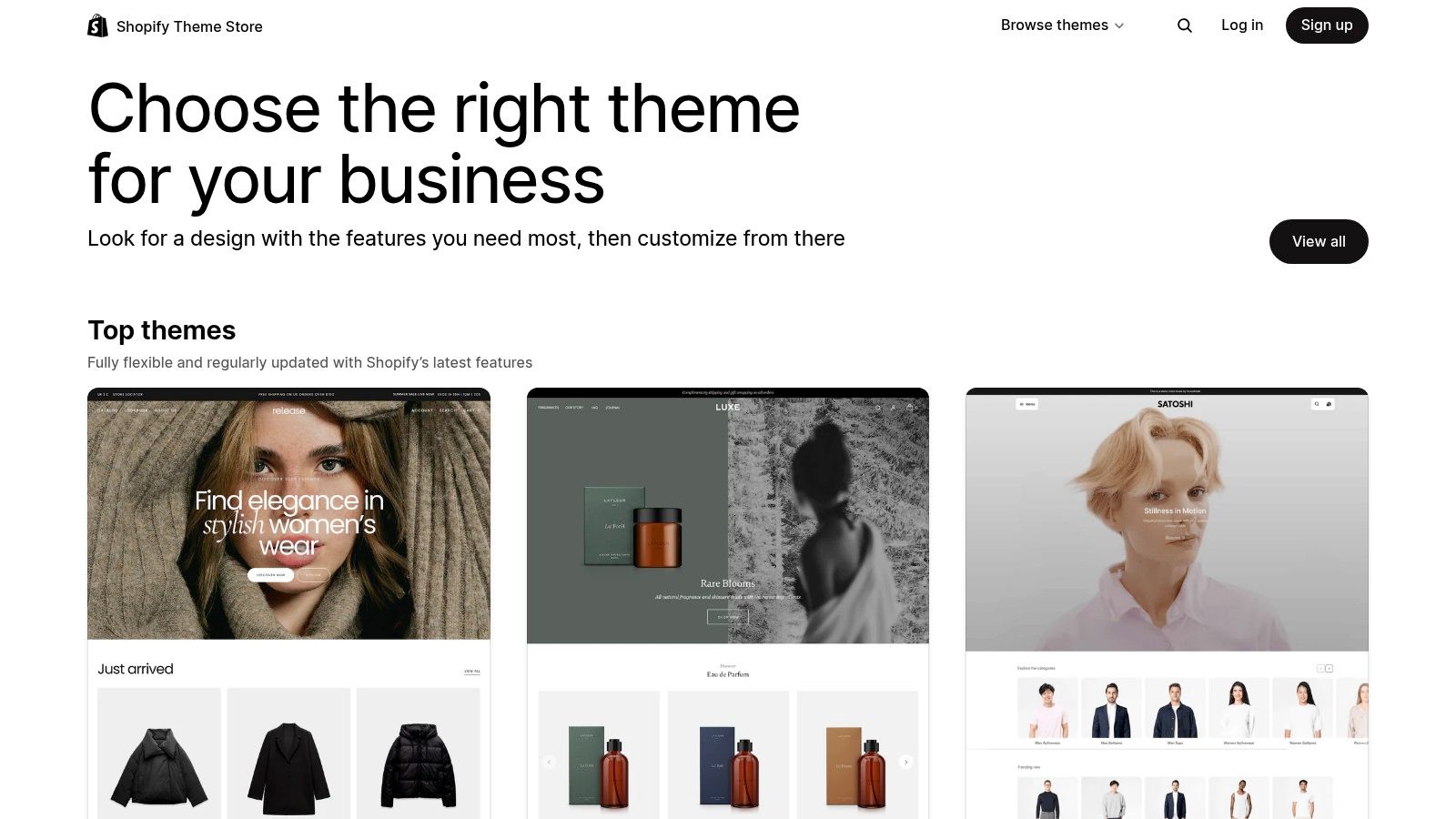
The official Shopify Theme Store is an essential layout ideas website for anyone operating in the e-commerce space. As a curated marketplace, it offers a collection of premium and free themes built specifically for the Shopify platform. Every theme is vetted for quality, performance, and compatibility, ensuring that the layouts you see are not just visually appealing but also optimized for conversions and the latest Shopify features. This makes it a goldmine for e-commerce-focused designers and developers.
Unlike general-purpose marketplaces, the Shopify Theme Store provides a highly focused lens on what works for online retail. You can explore live demos and real-world store examples to understand how different layouts handle product grids, navigation, and checkout flows. The "play-before-you-pay" feature for paid themes allows you to fully customize a layout with your own branding and products before committing to a purchase, offering a risk-free way to test ideas.
Key Features and Offerings
The Shopify Theme Store's strength lies in its tight integration with the Shopify ecosystem and its unwavering focus on e-commerce best practices. Themes are designed to leverage core platform functionalities seamlessly.
- Vetted Quality: All themes undergo a strict review process to ensure they meet Shopify's high standards for speed, accessibility, and mobile-first design.
- Live Demos and Store Examples: Each theme listing includes interactive demos and links to live stores using the theme, providing invaluable real-world inspiration.
- One-Time Purchase: Premium themes are sold with a one-time license for a single store, which includes continuous, free updates from the developer.
- Deep E-commerce Functionality: Themes come packed with built-in features like quick-add-to-cart, advanced product filtering, and promotional banners, reducing the need for extra apps.
Practical Tips for Shopify Theme Store
To use the Shopify Theme Store effectively for layout ideas, look beyond the surface aesthetics. Analyze how top-performing themes guide the user journey from the homepage to checkout. Study their product page layouts, paying close attention to the hierarchy of information, the placement of trust badges, and the use of high-quality media. Even if you aren't building on Shopify, these conversion-optimized patterns for presenting products and facilitating purchases are universally applicable and can be adapted for any e-commerce project.
Visit Website: Shopify Theme Store
5. Squarespace Templates (Official)
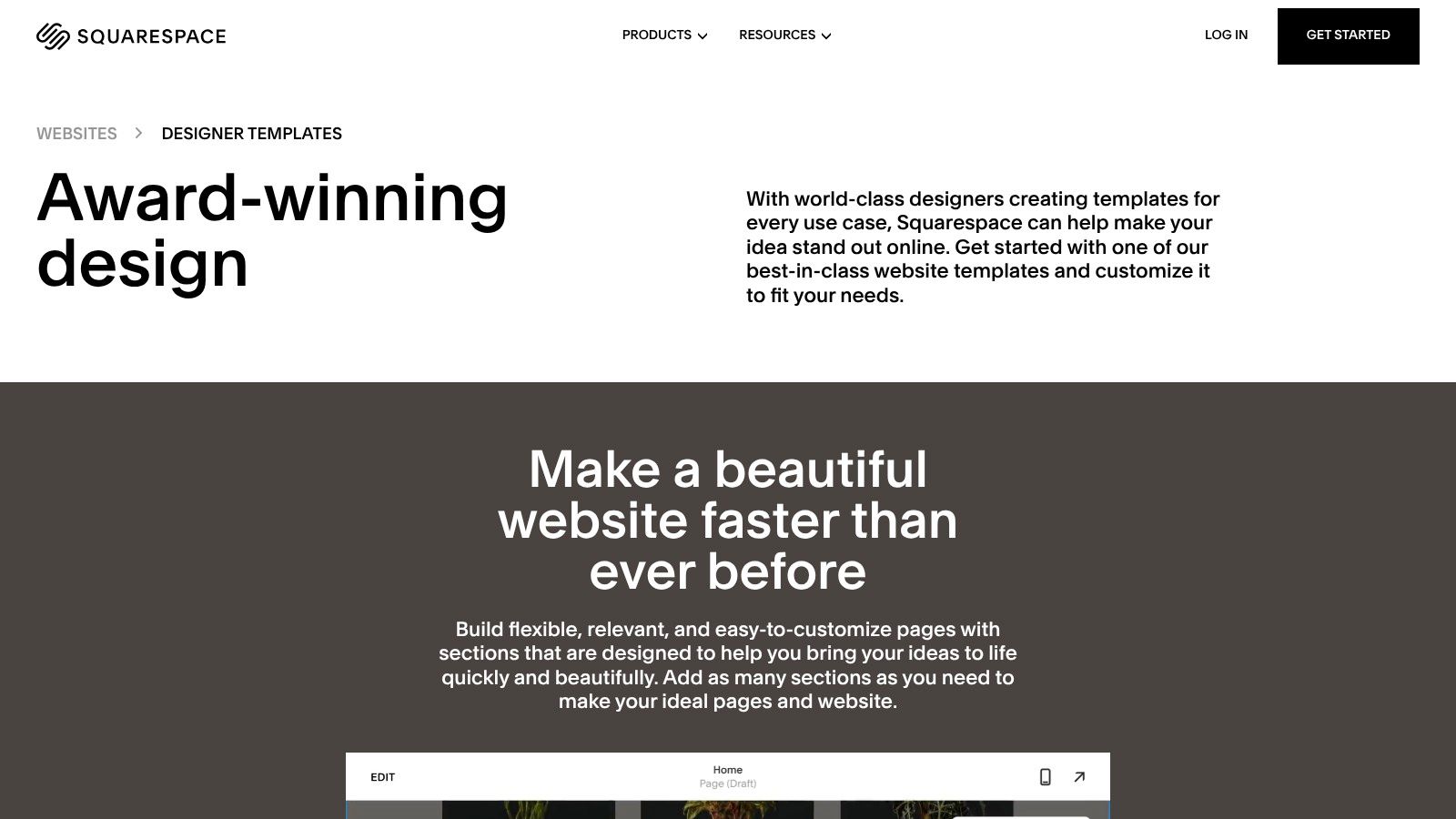
Squarespace serves as an excellent layout ideas website by showcasing a curated collection of polished, designer-made templates. While it's a closed, all-in-one platform, its template library is a masterclass in clean, modern, and visually-driven design. Each template is built with a specific use case in mind-from portfolios and blogs to e-commerce stores-providing a fantastic starting point for understanding how to structure content effectively for different audiences.
Unlike marketplaces with endless third-party submissions, Squarespace's templates are all created in-house, ensuring a high level of quality, consistency, and a cohesive user experience. Designers and developers can browse this library to study minimalist aesthetics, effective use of white space, and elegant typographic hierarchies. It's a source of inspiration for creating layouts that feel premium and intentionally designed, which can then be adapted to other platforms like WordPress with Elementor.
Key Features and Offerings
Squarespace's value proposition is its integrated, user-friendly ecosystem where design, hosting, and functionality converge. The templates are the visual foundation of this system, offering professional aesthetics right out of the box.
- Designer-Made Templates: The library features professionally crafted, responsive templates categorized by industry (e.g., portfolio, restaurant, online store) for targeted inspiration.
- Visual Section-Based Editing: The platform's editor demonstrates how to build modular, section-based pages, a concept directly transferable to page builders like Elementor.
- Integrated Ecosystem: Templates are part of a subscription that includes hosting, analytics, security, and e-commerce tools, showing how design integrates with a site's core functions.
- Consistent UX and Styling: All templates share a high-quality aesthetic with attractive default styling, making them ideal for launching beautiful sites quickly for clients or small businesses.
Practical Tips for Squarespace Templates
To leverage Squarespace as a source for layout ideas, focus on deconstructing its design principles. Browse templates in your client's industry and analyze how they handle image galleries, service descriptions, and contact forms. Pay close attention to their use of full-width sections, overlapping elements, and subtle animations. You can recreate these sophisticated yet clean structures in Elementor by using Spacer widgets, background overlays, and motion effects to achieve a similar polished feel.
Visit Website: Squarespace Templates (Official)
6. WordPress.org Theme Directory
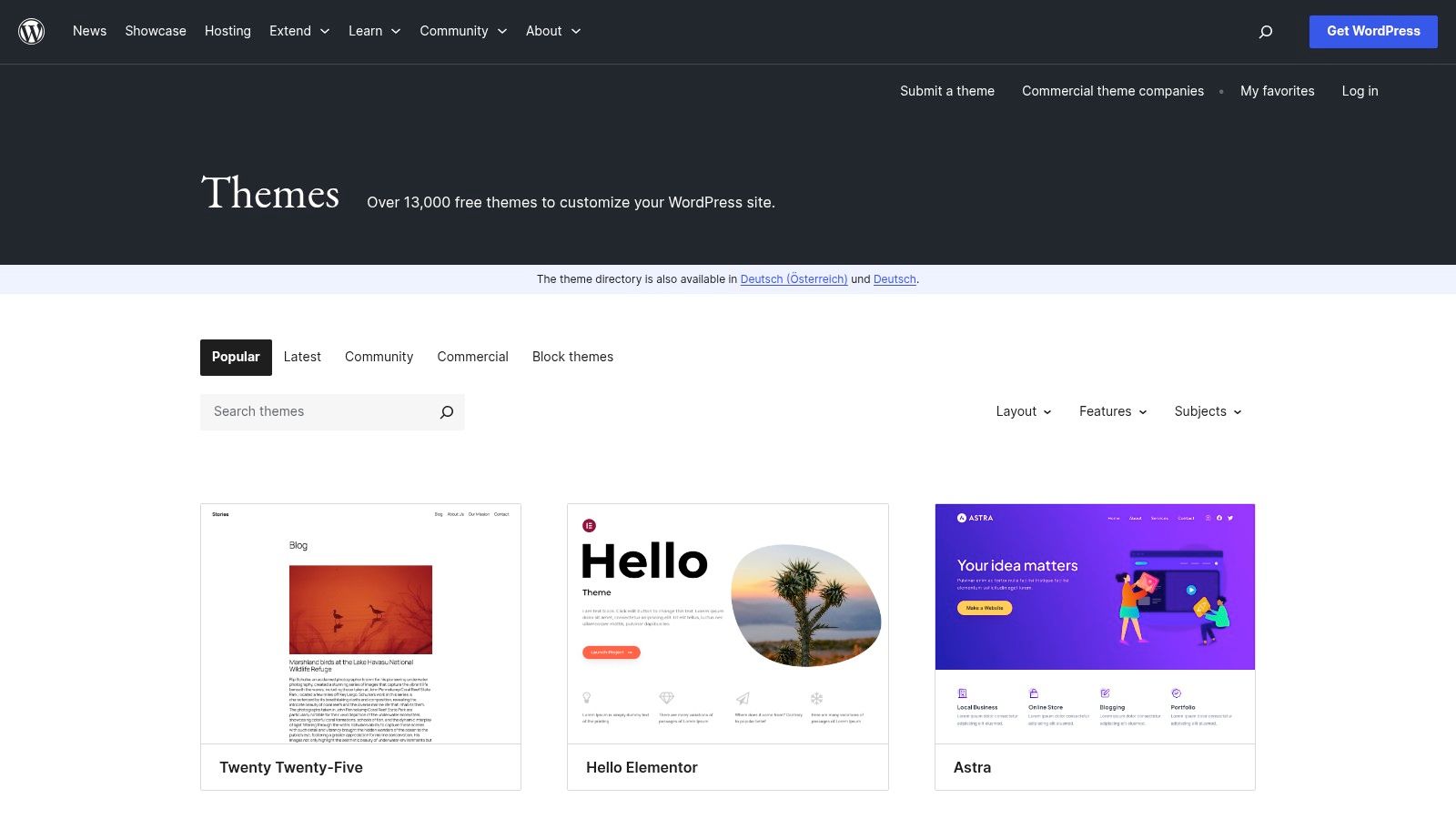
The official WordPress.org Theme Directory is an essential, community-driven layout ideas website for anyone building with WordPress. As the official repository for free, open-source themes, it offers thousands of layouts that have passed a baseline quality and security review. For designers and developers, it serves as a risk-free playground to explore foundational structures, from minimalist blogs to complex magazine-style grids, all directly installable from the WordPress dashboard.
Unlike commercial marketplaces, the directory’s value lies in its accessibility and adherence to WordPress standards. Every theme is GPL-licensed, ensuring you can freely use and modify it. This makes it an unparalleled resource for deconstructing layouts, understanding template hierarchies, and seeing how different designers approach common challenges without any initial investment.
Key Features and Offerings
The directory stands out for its direct integration with the WordPress ecosystem and its commitment to open-source principles. It’s the safest and most convenient starting point for layout inspiration.
- Vast Free Catalog: Access thousands of themes categorized by layout, features, and subject. The powerful filter allows you to search for specific structures like grid layouts, one-column designs, or themes with right-sidebars.
- Direct Installation: Themes can be previewed and installed directly from your website's dashboard (Appearance > Themes), making it incredibly efficient to test different layouts.
- Community Vetting: Each theme is reviewed by the official WordPress Themes Team. Additionally, user ratings, active installation counts, and support forums provide social proof and insight into a theme’s quality and maintenance.
- 100% GPL Licensed: All themes are guaranteed to be GPL-compatible, giving you the freedom to customize, adapt, and learn from their code without licensing restrictions.
Practical Tips for the WordPress.org Theme Directory
Use the directory as a launchpad for your custom designs. Install popular, lightweight themes like Hello Elementor, Astra, or Kadence to see how a solid foundation is built. Analyze their file structure and customization options. Pay attention to how they handle responsive design and accessibility. For those looking to learn more about selecting a structural base for their projects, this guide on the best layout for websites offers complementary insights. Remember, even a simple free theme can reveal clever CSS techniques or structural approaches you can adapt for your own Elementor-based projects.
Visit Website: WordPress.org Theme Directory
7. Awwwards
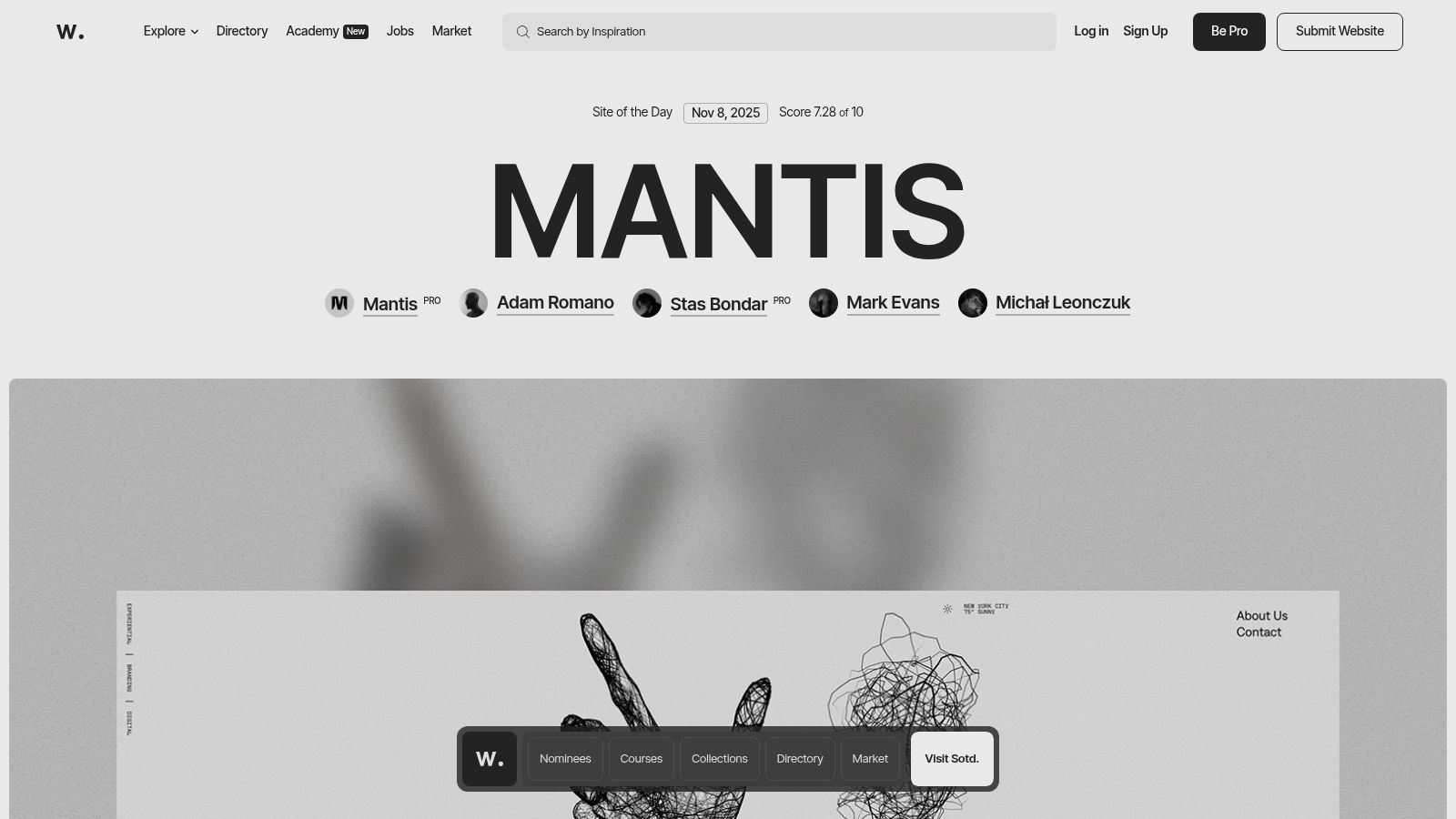
Awwwards is a prestigious global competition and showcase recognizing the talent and effort of the best web designers, developers, and agencies in the world. For anyone searching for a layout ideas website, it serves as an elite gallery of digital innovation, featuring cutting-edge designs that push creative boundaries. It’s less of a marketplace for ready-made templates and more of a high-caliber museum for web design, where you can study award-winning layouts and deconstruct what makes them effective.
Unlike traditional template stores, Awwwards celebrates originality and technical excellence. By browsing the "Site of the Day" or curated collections, you gain exposure to groundbreaking user interfaces, unique interaction models, and novel structural approaches. This makes it an essential resource for designers and developers looking to move beyond conventional layouts and discover what's next in web design.
Key Features and Offerings
Awwwards is more than an inspiration gallery; it's a comprehensive ecosystem for digital creators that blends inspiration with education and professional resources.
- Award Showcases: Features daily and monthly winners, providing a continuous stream of fresh, high-quality layout inspiration. Each submission is scored by a jury of experts, offering insights into what constitutes an exceptional design.
- Curated Collections: Themed collections like "Best Navigation" or "Minimalist Websites" allow you to focus your research on specific layout elements or styles.
- Educational Resources: Through its Courses and Academy sections, Awwwards offers masterclasses from industry leaders on topics like UI/UX, interaction design, and creative coding.
- Marketplace: A curated marketplace offers high-quality digital assets, including fonts, UI kits, and Elementor templates from top-tier creators, though the selection is more boutique than a large-scale theme store.
Practical Tips for Awwwards
To maximize Awwwards for layout ideas, use it as a trend-spotting tool. Analyze the winning sites in your niche to identify emerging patterns in typography, micro-interactions, and grid structures. Pay attention to how designers use animation and transitions to guide the user's eye. While the advanced effects on many Awwwards sites are custom-coded, you can often replicate the core structural concepts and visual hierarchy using Elementor's motion effects and custom positioning. By studying the best, you can elevate your own design thinking. To explore more ways to apply these concepts, you can find a variety of layout ideas for websites that break down popular trends.
Visit Website: Awwwards
Top 7 Website Layout Sources Compared
| Item | Implementation Complexity 🔄 | Resources & Cost ⚡ | Expected Outcomes ⭐📊 | Ideal Use Cases 💡 | Key Advantages ⭐ |
|---|---|---|---|---|---|
| Exclusive Addons (Elementor) | Low–Medium — plugin install, configure widgets; Pro unlocks advanced features | Free tier + Pro license; performance‑aware (assets load on demand) | High polish & rich interactions; faster design delivery | Elementor users, agencies, WooCommerce stores, rapid prototyping | Large widget/template library, performance‑focused, productivity tools |
| ThemeForest (Envato Market) | Variable — depends on theme quality and required customization | Pay per item; pricing varies, possible extra plugin costs | Wide range from basic to feature‑rich depending on author | One‑off sites, budget projects, buyers needing many style options | Massive catalog, competitive pricing, demos and author support |
| Webflow Template Marketplace | Low — clone to Webflow Designer; needs Webflow knowledge to customize | Free & paid templates; Webflow Site plan required to publish on custom domain | Visually editable, responsive sites with CMS integration | Designers using Webflow, no‑code teams, responsive CMS projects | Seamless Designer integration, strong ecosystem, visual editing |
| Shopify Theme Store | Low — install in Shopify, optimized for commerce; may need apps | Free & premium (one‑time theme purchase); apps may add ongoing costs | Ecommerce‑ready stores with vetted compatibility and updates | Shopify merchants building stores quickly and reliably | High quality control, deep ecommerce features, maintained compatibility |
| Squarespace Templates (Official) | Very low — built‑in templates and section‑based editing | Included with subscription (ongoing hosting cost), no separate theme fee | Fast launches, consistent aesthetics, integrated hosting & analytics | Small businesses, portfolios, users wanting all‑in‑one solution | Integrated platform (hosting, analytics, commerce), polished defaults |
| WordPress.org Theme Directory | Low — install from dashboard; advanced features often need plugins | Free (GPL) themes; premium addons or builders may cost extra | Cost‑effective starting points; quality and features vary | Budget projects, experimentation, community‑maintained sites | Free, large selection, official source with community support |
| Awwwards | Low (inspiration) — curated showcase; marketplace items vary in installability | Free browsing; courses and market products are paid | High‑end design inspiration and trend insight; learning outcomes | Designers seeking inspiration, UX education, trend research | Curated, top‑tier design examples and educational resources |
Go Beyond the Template: Start Building Your Unique Vision
We've explored a diverse range of resources, from the high-end inspiration found on Awwwards to the vast commercial marketplaces of ThemeForest and the specialized ecosystems of Shopify and Squarespace. The journey through these platforms reveals a crucial insight: a truly exceptional website isn't just about finding a good template, but about understanding the principles behind effective design and having the right tools to bring that vision to life. The best layout ideas for a website often come from a blend of inspiration, strategic planning, and powerful implementation.
Your goal should be to move beyond simply copying what you see. Use the examples from these platforms as a starting point. Analyze why a particular layout works. Is it the use of asymmetric balance, the clever application of negative space, or the intuitive user flow? Deconstructing these successful designs will arm you with the knowledge to create something genuinely unique and effective for your own project or client.
Key Takeaways for Crafting Your Next Design
As you move from inspiration to implementation, keep these core principles at the forefront of your process:
- Prioritize the User Experience (UX): A visually stunning layout is useless if it's confusing to navigate. Always ask how your design choices serve the end user. Does the grid system guide their eyes logically? Is the call-to-action immediately clear?
- Embrace Your Brand Identity: Your website's layout is a powerful expression of your brand. A minimalist, grid-based design might suit a modern tech company, while a more organic, flowing layout could be perfect for a wellness brand. Ensure your design choices align with the brand’s personality.
- Master Your Tools: Understanding the capabilities and limitations of your chosen platform is essential. Whether you are customizing a theme from the WordPress.org directory or building from scratch with Elementor, a deep knowledge of your tools will unlock greater creative freedom and efficiency.
Selecting the Right Platform and Tools
Choosing where to source your inspiration and build your site depends heavily on your specific needs. For those looking for quick, reliable solutions, the WordPress.org Theme Directory and Squarespace offer vetted, high-quality starting points. If you need a highly specialized e-commerce solution, the Shopify Theme Store is unparalleled.
However, for developers and designers aiming for complete creative control within the WordPress ecosystem, a powerful page builder is non-negotiable. This is where combining inspiration with a flexible toolkit becomes critical. For those looking to innovate beyond standard themes, a Durable AI Website Builder offers powerful features to craft unique website layouts tailored to your specific needs. Ultimately, the best approach is to arm yourself with flexible tools that empower you to execute the sophisticated layout ideas for a website that will set your work apart.
Ready to turn your inspiration into a fully functional, custom-designed website? With Exclusive Addons, you get a powerhouse of over 100 highly customizable widgets and extensions for Elementor, giving you the ultimate creative freedom. Start building more dynamic and engaging website layouts today with Exclusive Addons