
Building a high-converting landing page from scratch is a significant investment of time and resources. For WordPress developers, designers, and marketers using Elementor, starting with a professionally designed template accelerates the entire process, allowing you to focus on strategy and content rather than layout and code. This comprehensive guide eliminates the guesswork by curating the best sources for high-quality, landing page templates free of charge, specifically tailored for various business needs.
Before you dive into selecting a template, it's crucial to solidify the core message of your page. The most visually appealing design will fail without a clear and compelling message. Understanding the foundational element of any effective page, like crafting a powerful value proposition statement, ensures your chosen template has a strong strategic purpose from the very beginning. This initial step is non-negotiable for driving conversions.
This resource list is designed to be your go-to reference for finding the perfect starting point for your next project. We will explore a diverse range of platforms and libraries, each offering unique strengths.
You will find a detailed analysis of each resource, covering:
- Specific Use Cases: Templates for lead generation, SaaS, e-commerce, portfolios, and more.
- Implementation Guidance: Quick instructions on how to import and customize the templates within your Elementor environment.
- Honest Pros and Cons: A balanced look at the advantages and potential limitations of each option.
- Direct Access: Every entry includes screenshots and direct links, so you can immediately preview and download the assets you need.
Our goal is to provide a practical, scannable guide that helps you quickly identify and implement the best free landing page templates available today, saving you hours of searching and development time. Let's get started.
1. Exclusive Addons
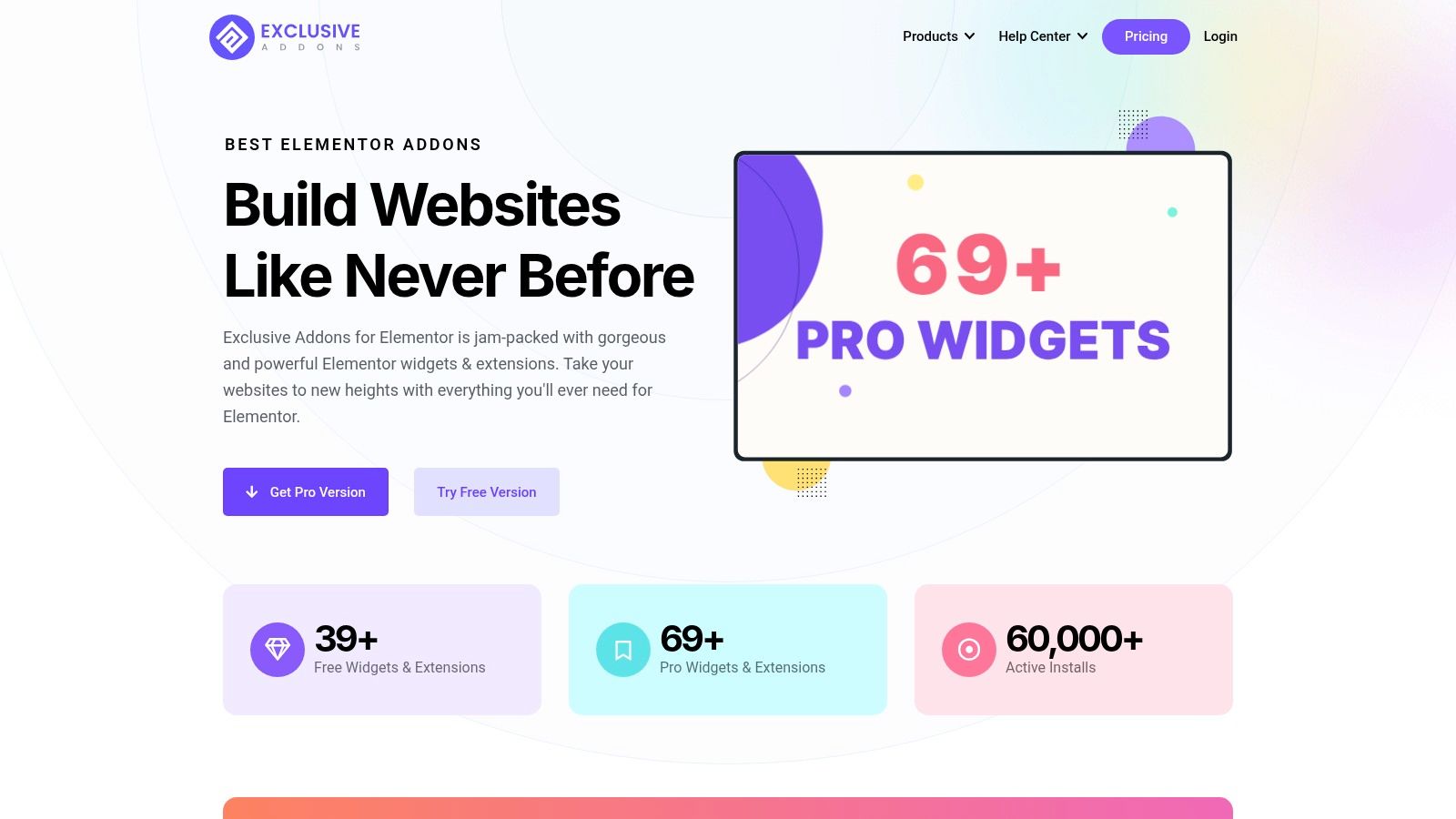
Exclusive Addons for Elementor secures its position as a top-tier choice by offering a comprehensive toolkit that goes far beyond a simple template library. While it provides a solid collection of free landing page templates, its true power lies in the extensive suite of 108+ widgets and workflow enhancers. This makes it an ideal solution for WordPress developers, agencies, and marketers who require both speed and granular control over their designs. The platform's core philosophy centers on performance, ensuring that only the assets for widgets you actively use are loaded, preventing the site bloat common with other all-in-one plugins.
Core Features and Key Differentiators
The free version alone is impressively robust, granting access to over 39 widgets, 64+ templates, and more than 900 pre-designed blocks. This allows for rapid assembly of professional pages without writing a single line of code.
What truly sets Exclusive Addons apart are its professional-grade features that enhance both creativity and efficiency. The Header-Footer builder, cross-site copy-paste functionality, and a demo previewer are significant time-savers, particularly for freelancers and agencies managing multiple projects. For those looking to create visually stunning and interactive landing pages, the plugin provides native support for Lottie animations, Glassmorphism effects, and animated gradients.
Performance and Usability
With over 60,000 active installations, Exclusive Addons has proven its stability and reliability in real-world environments. User testimonials frequently praise its lightweight nature and "legendary support," highlighting its seamless integration without causing conflicts. The free version is fully functional and available directly from the WordPress repository, while the Pro version unlocks the complete widget library and advanced features like WebGL animations.
- Pros:
- Extensive Free Library: Access to 39+ widgets, 64+ templates, and 900+ blocks at no cost.
- Performance-First: Conditionally loads assets to keep page speed optimized.
- Workflow Enhancers: Features like cross-site copy-paste and a Header-Footer builder accelerate development.
- Creative Freedom: Supports modern design elements like Lottie animations and Glassmorphism.
- Strong Support: Backed by an active user base and a responsive support team.
- Cons:
- The most powerful widgets and the largest template selection are reserved for the Pro version.
- The template library, while high-quality, is not as vast as some dedicated template providers.
Website: https://exclusiveaddons.com
2. Elementor Kit & Template Library
For WordPress users already building with Elementor, the official Kit & Template Library is the most seamless source for high-quality designs. Integrated directly into the Elementor editor, it eliminates the need for manual downloads and uploads. This native library offers a wide range of professionally designed kits and individual page templates, many of which are available completely free.
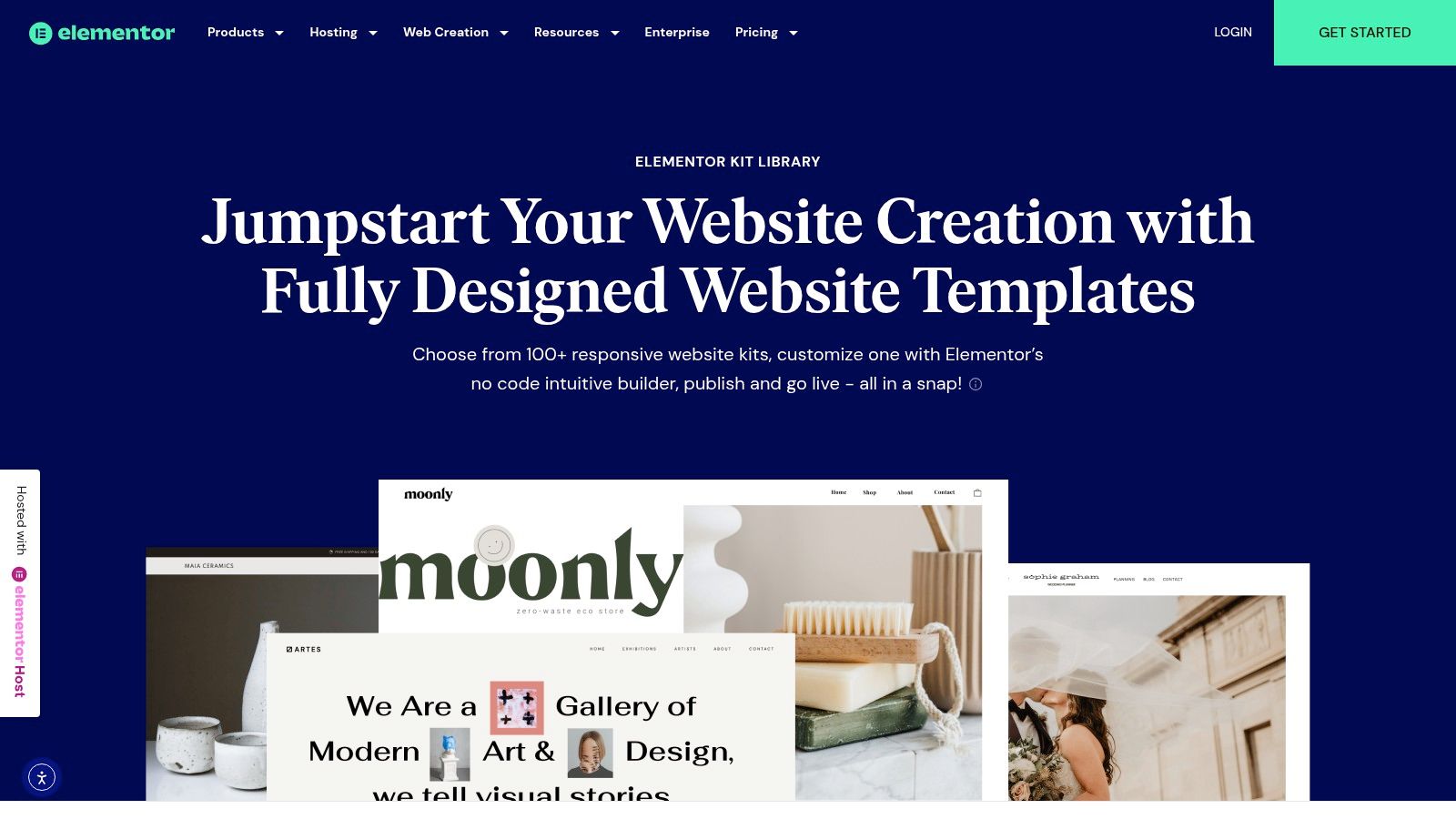
The primary advantage is the one-click import process. You can browse, preview, and insert a complete landing page or specific sections directly onto your canvas, dramatically speeding up your workflow. The templates are vetted by the Elementor team, ensuring they adhere to best practices for performance and compatibility with the builder's features.
Key Features & User Experience
The library's interface is intuitive, allowing you to filter templates by type (like "Landing Page"), category, or tag. A "Free" filter makes it easy to find no-cost options.
- Workflow Integration: As a native feature, the experience is incredibly smooth. There are no external websites to visit or ZIP files to manage.
- Quality Assurance: Templates are built by Elementor or trusted partners, guaranteeing a high standard of design and code.
- Kit System: Beyond single pages, you can import entire "Kits" that include a homepage, about page, contact page, and other essential layouts, all sharing a cohesive design system.
While many of the most advanced designs are reserved for Elementor Pro subscribers, the free collection still provides excellent landing page templates free for lead generation, event promotion, and simple product showcases.
Website: Elementor Kit & Template Library
3. WordPress.org Theme Directory
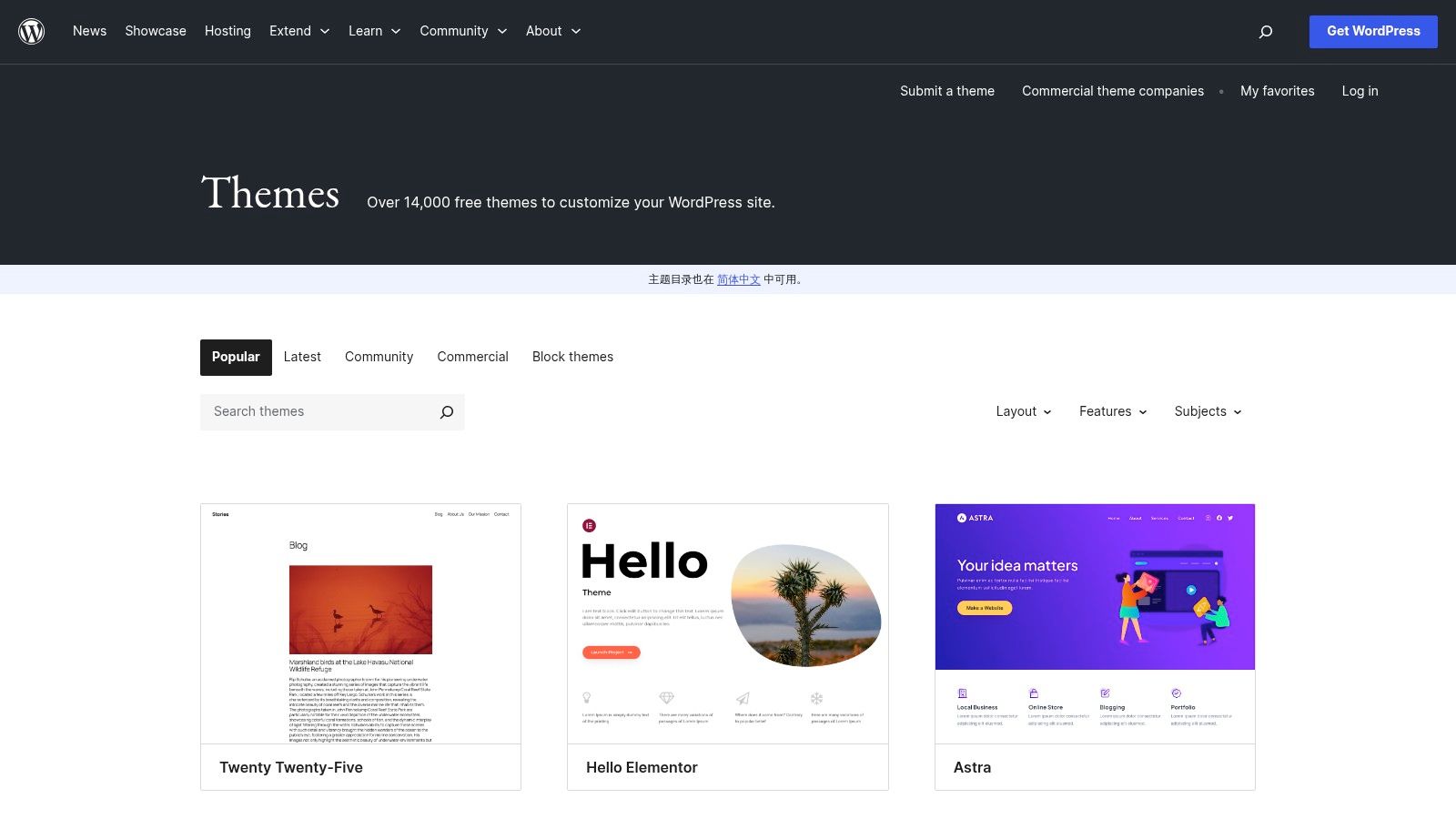
The official WordPress.org Theme Directory is the most trusted and secure source for free themes. While known for full website themes, it also serves as a massive repository for themes specifically designed as single-page layouts or with powerful one-page templates, making it an excellent resource for foundational landing page designs. Every theme is reviewed by a dedicated team to ensure it meets basic security and coding standards.
The primary advantage of using the official directory is its direct integration with your WordPress dashboard. You can search, install, and update themes with just a few clicks, eliminating the risk associated with third-party sources. This seamless management ensures your site remains secure and up-to-date. While not template libraries in the Elementor sense, many themes are built to be lightweight canvases for builders.
Key Features & User Experience
The directory's search and filter function is its strongest asset. You can use the "Feature Filter" to narrow down options by layout (like "One Column"), subject, or specific features, helping you find a suitable base theme for your landing page project.
- Unmatched Trust and Security: As the official repository, every theme undergoes a strict review process, minimizing security risks.
- Direct WordPress Integration: Themes are installed and updated directly from the WordPress admin area, providing a simple and secure workflow.
- Massive Free Selection: With over 14,000 themes, the sheer volume of options is unparalleled, offering countless landing page templates free of charge.
Although the design quality can vary significantly between authors, and you might need additional plugins for advanced functionality, the directory is an essential starting point. Finding a well-coded, lightweight theme here provides a solid foundation for building effective WordPress landing pages.
Website: WordPress.org Theme Directory
4. Astra Starter Templates
For users prioritizing performance and a lightweight foundation, Astra Starter Templates offers a powerful library of complete site demos that can be adapted into high-converting landing pages. While known for full-site imports, many of these kits include beautifully designed homepages that function perfectly as standalone landing pages when imported with the free Starter Templates plugin.
The core advantage of using Astra's templates is their focus on speed and clean code. Built by the team behind one of the most popular WordPress themes, these templates are optimized for performance out-of-the-box, giving you a solid base for SEO and user experience. The import process is streamlined and lets you choose to import a single page, making it ideal for creating a quick landing page without cluttering your site.
Key Features & User Experience
The Starter Templates plugin provides a clean, searchable interface directly within your WordPress dashboard. You can filter by page builder (including Elementor) and easily identify free options.
- Performance-First Design: Templates are built on the lightweight Astra theme framework, ensuring fast load times and excellent Core Web Vitals scores.
- Selective Import: The plugin allows you to import just the specific page you need, rather than an entire website, which is perfect for targeted campaigns.
- Large Ecosystem: Astra integrates seamlessly with other popular plugins and tools, ensuring compatibility and extensibility for your landing pages.
While a significant portion of the library is reserved for premium users, the free selection offers a diverse range of landing page templates free for businesses, agencies, and personal brands, all built with performance as a top priority.
Website: Astra Starter Templates
5. Templately
Templately is a massive cloud-based library and plugin specifically designed for Elementor and Gutenberg users. It functions as a comprehensive marketplace, offering an extensive collection of individual page templates, block sections, and complete "Packs" or site kits. While it operates on a freemium model, its free offering is one of the most generous available.
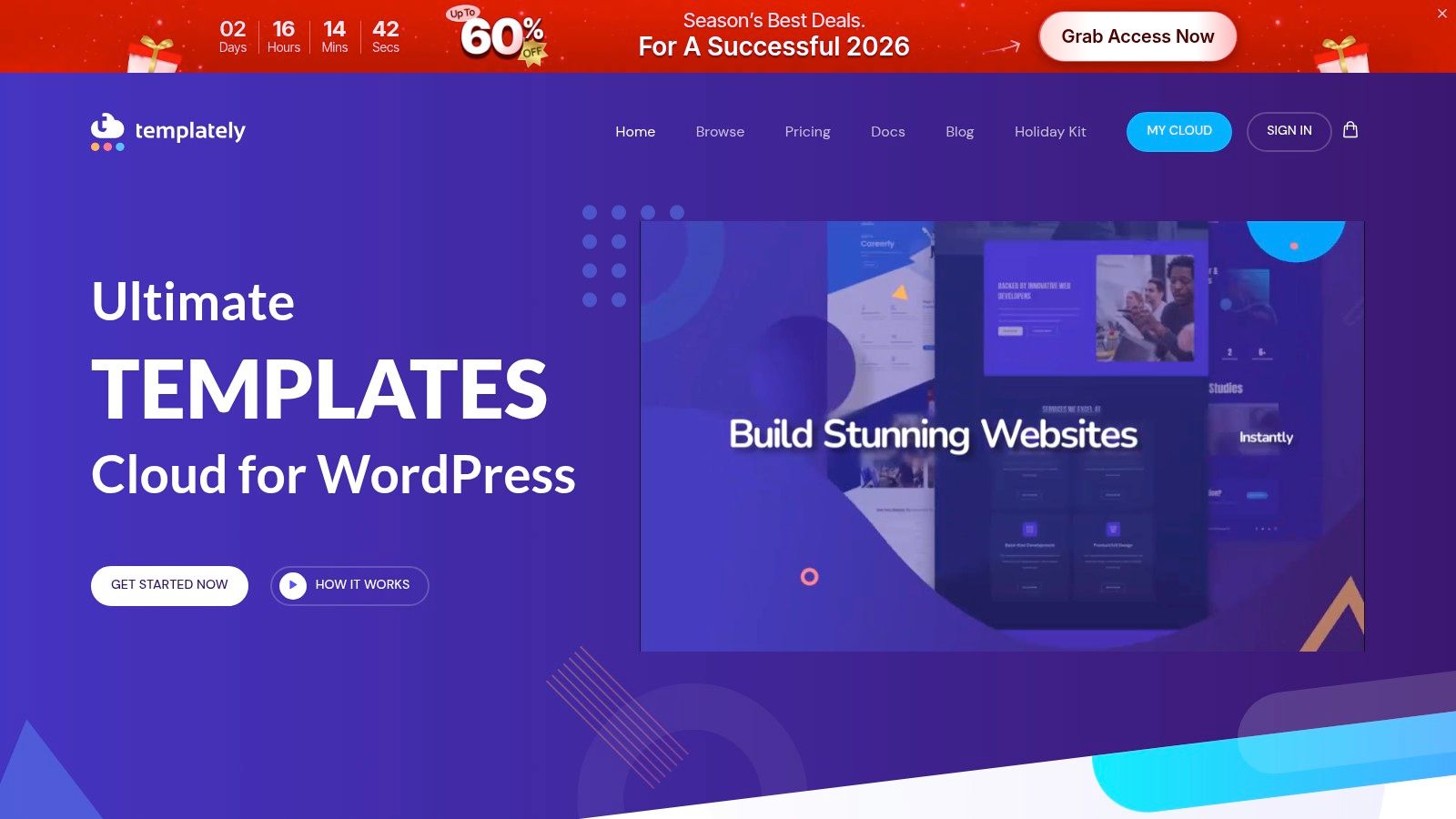
The platform's key differentiator is its seamless integration via a dedicated WordPress plugin. Once installed, you can browse the entire Templately library from your dashboard, save favorites to your personal cloud workspace ("MyCloud"), and import them into your Elementor editor with a single click. This workflow bypasses the traditional download-and-upload process entirely.
Key Features & User Experience
Templately’s interface is clean and modern, providing robust filtering options to find exactly what you need. You can sort by builder, template type, and category, making it easy to isolate free landing pages.
- One-Click Import: The dedicated plugin provides a frictionless experience, allowing for direct insertion of templates and blocks into the Elementor canvas.
- Cloud Workspace: Users get a "MyCloud" area to save and organize their favorite templates for reuse across multiple projects.
- Vast Free Selection: Unlike many platforms where free options are limited, Templately offers hundreds of high-quality landing page templates free of charge, which are frequently updated.
The primary drawback is that some of the most intricate and visually striking templates are reserved for Pro users. Additionally, some designs may require other plugins from the same developer, like Essential Addons for Elementor, for full functionality.
Website: Templately
6. Webflow Templates (Landing Page category)
For those seeking a no-code environment with a focus on polished, interactive designs, Webflow's official marketplace is a fantastic resource. Its dedicated Landing Page category features a curated selection of one-page templates, many of which are free to clone and customize directly within Webflow’s visual editor. This makes it an ideal choice for creating visually stunning and highly animated landing pages without writing code.
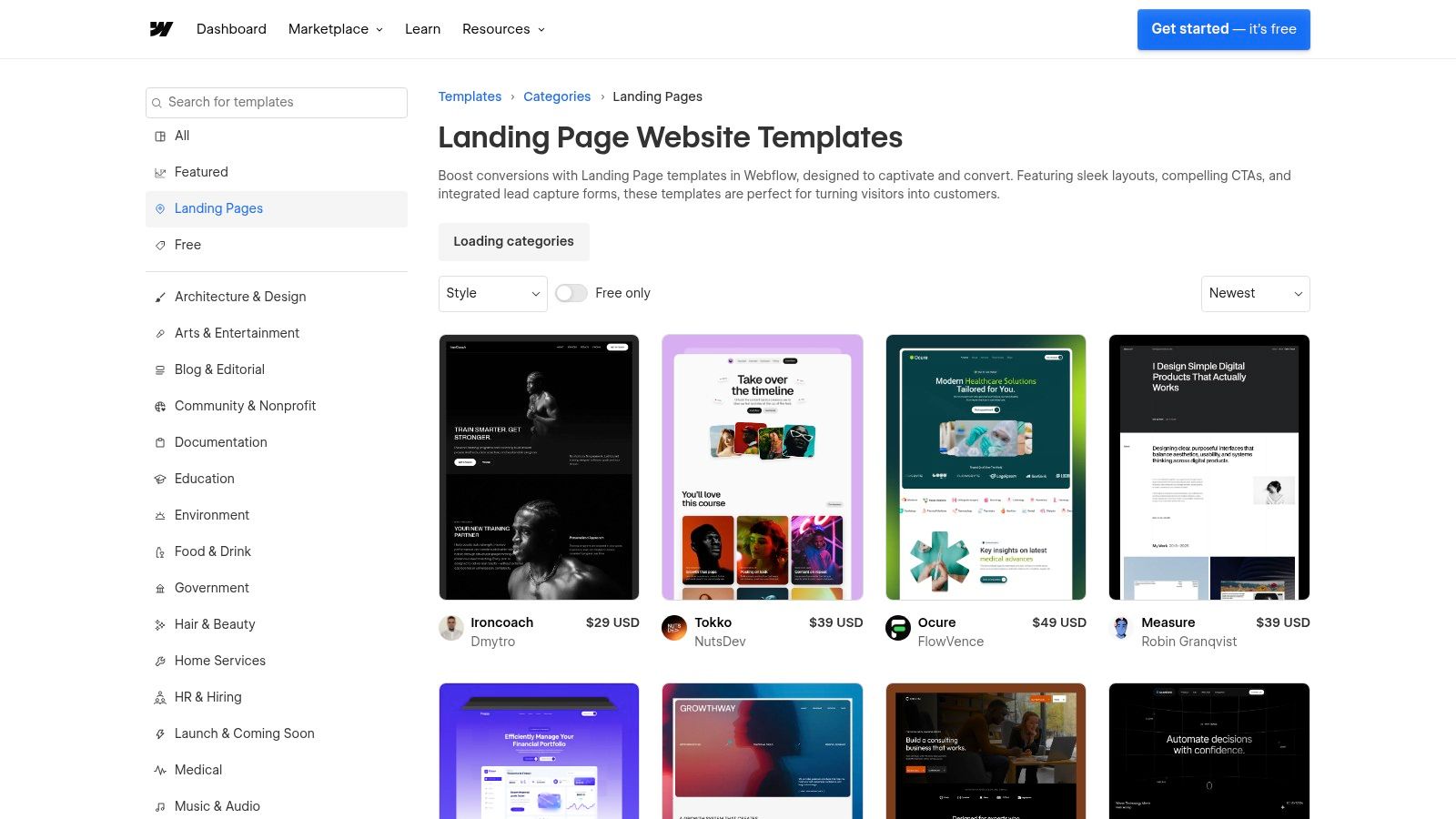
The primary advantage of Webflow is its powerful visual canvas that combines design, animation, and logic in one place. You can clone a free template with a single click and begin customizing every element in real-time, with responsive previews built-in. This approach offers more granular control over design than many traditional page builders, allowing for unique, modern layouts that adhere to landing page design best practices.
Key Features & User Experience
The marketplace is clean and easy to navigate, with a "Free" filter to quickly isolate no-cost options. Each template has a detailed page with live previews, licensing information, and developer support details.
- Visual No-Code Editor: Webflow's editor is its standout feature, providing precise control over styling, interactions, and responsive behavior.
- High-Quality Modern Designs: The free templates are often exceptionally well-designed, featuring smooth animations and interactions that can make a brand feel premium.
- One-Click Publishing: Deploying your finished landing page to Webflow's hosting is seamless, though custom domains require a paid plan.
While the platform is incredibly powerful, there is a learning curve. Moreover, the free site plan includes Webflow branding and a subdomain. To find the best landing page templates free for your project, use the filter and preview feature extensively before committing.
Website: Webflow Templates (Landing Page category)
7. Start Bootstrap
For developers and users comfortable with code, Start Bootstrap offers a collection of open-source HTML/CSS templates built on the popular Bootstrap framework. These are not WordPress themes or Elementor kits but rather clean, developer-friendly starting points. Every template is MIT-licensed, making them completely free for both personal and commercial projects without attribution.
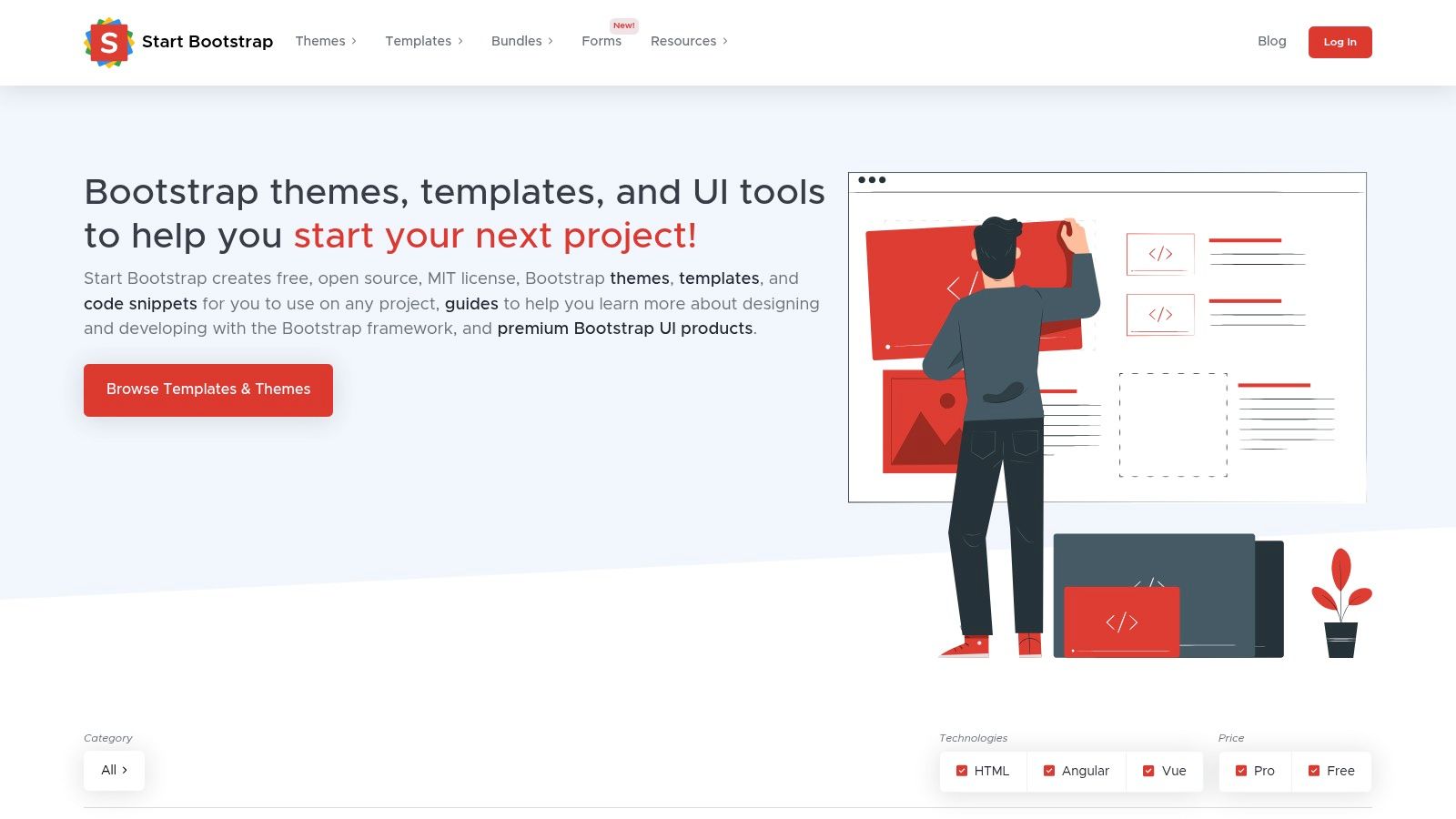
The primary advantage here is complete control. You download the source files and can modify the HTML, CSS, and JavaScript to your exact specifications. This is ideal for custom projects where a visual builder might be too restrictive or for those who prefer to self-host and manage their assets directly. Each template includes a live preview and a link to its GitHub repository.
Key Features & User Experience
The website is straightforward, presenting a gallery of templates that you can preview and download instantly. The focus is purely on providing a solid code foundation for developers to build upon.
- Developer-Focused: All templates come with source files, often including build scripts (like Gulp or npm), making them easy to integrate into a modern front-end development workflow.
- MIT License: This permissive open-source license gives you maximum freedom to use, modify, and distribute the templates without legal concerns.
- Clean Codebase: Built on Bootstrap, the code is well-structured, responsive, and relatively easy for anyone with basic front-end skills to customize.
While Start Bootstrap provides excellent landing page templates free of charge, they require technical expertise. You will need to handle hosting and deployment yourself, and all customizations must be done by editing the code directly. It's a fantastic resource for coders but not suitable for those who rely on visual editors like Elementor.
Website: Start Bootstrap
8. BootstrapMade
For developers and designers comfortable working directly with HTML and CSS, BootstrapMade offers a curated collection of sleek, modern templates built on the popular Bootstrap framework. While not native to WordPress or Elementor, these templates provide a fantastic starting point for custom projects or for those who plan to manually integrate a design into their CMS. The platform is known for its clean aesthetics and adherence to responsive design principles.
The primary advantage of BootstrapMade is its direct, no-nonsense approach. You get high-quality, lightweight code that is easy to understand and modify if you have front-end development skills. This makes it a great resource for creating fast, mobile-friendly one-page websites for apps, startups, and corporate showcases without the overhead of a page builder.
Key Features & User Experience
The website is simple to navigate, allowing you to preview live demos and download the template files as a ZIP archive instantly. Each template page clearly lists its features and what is included in the free version.
- Framework-Based: All templates are built on Bootstrap, ensuring a responsive, mobile-first design that is familiar to many developers.
- Niche Designs: The collection includes templates specifically designed for niches like SaaS, mobile apps, creative agencies, and portfolios.
- Clear Licensing: The free versions typically operate under a Creative Commons license, which requires attribution. A pro version is available to remove this credit link and unlock extra features.
While you cannot directly import these into Elementor, they are an excellent source of inspiration or a solid foundation if you are building a landing page from code. The selection of landing page templates free is high-quality and regularly updated to support recent Bootstrap versions.
Website: BootstrapMade
9. One Page Love
One Page Love serves as a curated discovery hub rather than a direct template provider. It aggregates and showcases single-page websites and templates from across the web, making it an excellent starting point for inspiration and finding hidden gems. The platform features designs for various builders, including WordPress, Webflow, Framer, and static HTML, with a dedicated section for free resources.
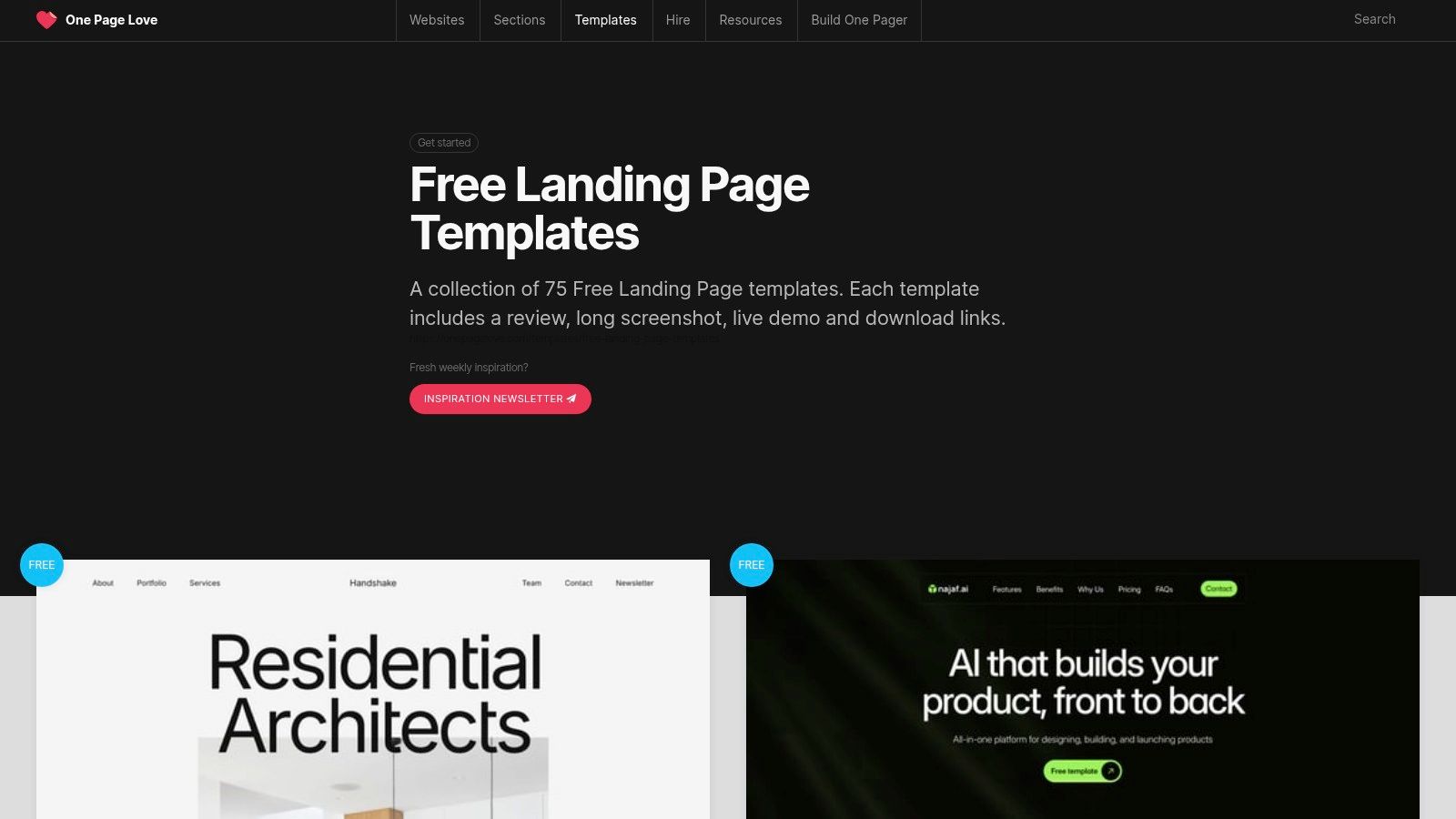
Its primary value lies in its breadth. Instead of being locked into one ecosystem, you can browse a wide variety of styles and sources in one place. Each entry includes a long-form screenshot, a brief review, and a direct link to the download or demo page, streamlining the search process for high-quality landing page templates free of charge from different creators.
Key Features & User Experience
The website is clean and focuses on visual discovery. Users can quickly filter by platform, category, or type to find relevant templates for their specific needs, making it a highly efficient research tool.
- Cross-Platform Discovery: Its biggest strength is aggregating templates from multiple platforms. This allows you to find freebies from various ecosystems without visiting dozens of separate sites.
- Curated Quality: While the templates come from external authors, the One Page Love team curates the collection, ensuring a baseline standard of design quality and modern aesthetics.
- Inspiration Source: Beyond just templates, the site is a vast gallery of single-page website designs, making it a valuable resource for brainstorming layouts and design trends.
A key consideration is that quality and licensing can vary significantly since the templates are not created in-house. It is crucial to check the terms and conditions on the source website for each template you decide to use.
Website: One Page Love
10. Figma Community – Landing Page Templates
For designers and teams who prioritize a design-first workflow, the Figma Community is an invaluable resource. It offers a vast, community-driven collection of free and remixable landing page UI kits. These templates are perfect for prototyping, iterating on concepts, and finalizing a design before it ever touches a single line of code or a website builder.
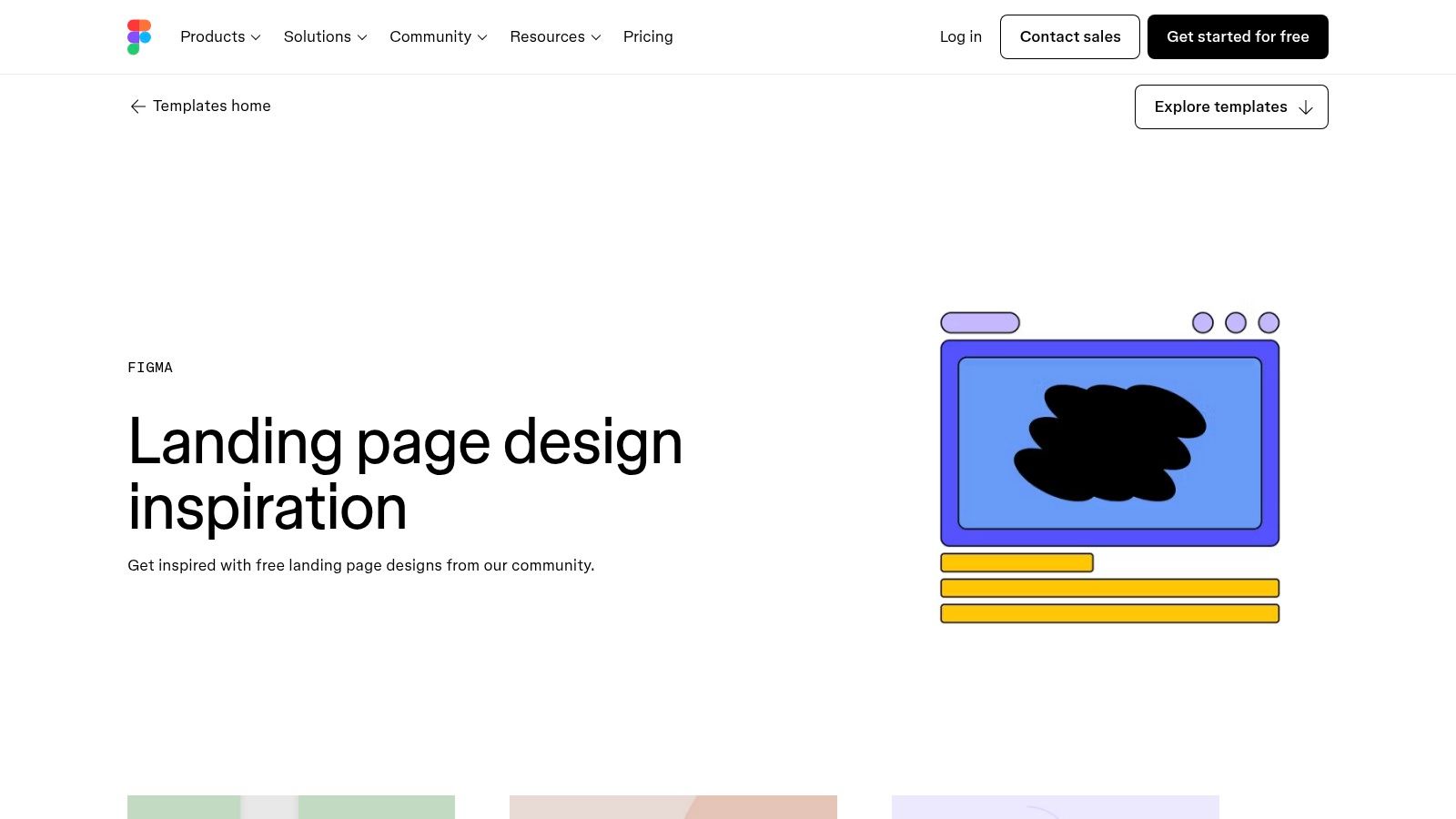
The key advantage here is the separation of design from development. You can perfect your layout, typography, and content hierarchy in a collaborative design environment. Once approved, the design can be handed off to a developer or used as a precise blueprint for rebuilding in a tool like Elementor, ensuring the final product matches the initial vision.
Key Features & User Experience
The Figma Community operates like a creative commons, where designers share their work for others to duplicate and adapt. You can find everything from single-page layouts to comprehensive UI kits with dozens of pre-designed sections.
- Design-First Prototyping: Ideal for planning the user journey and visual identity before committing to a build, saving significant development time later.
- High-Quality UI Kits: Many templates are created by professional designers and offer excellent starting points for SaaS, product, and agency websites.
- Easy Customization: As native Figma files, you have full control to adapt colors, fonts, and layouts to match your brand's style guide.
While these are not one-click importable templates for WordPress, they provide some of the best landing page templates free for the crucial initial design phase. A free Figma account is all that is required to start duplicating and editing these resources.
Website: Figma Community – Landing Page Templates
11. Mailchimp Landing Page Builder
For those already invested in the Mailchimp ecosystem, the platform’s free landing page builder is an incredibly efficient tool. It provides ready-made templates specifically designed for lead generation, product promotions, and gated content offers. The standout feature is its direct integration into Mailchimp audiences, analytics, and marketing automation, making it ideal for quickly launching campaigns to grow your email list.
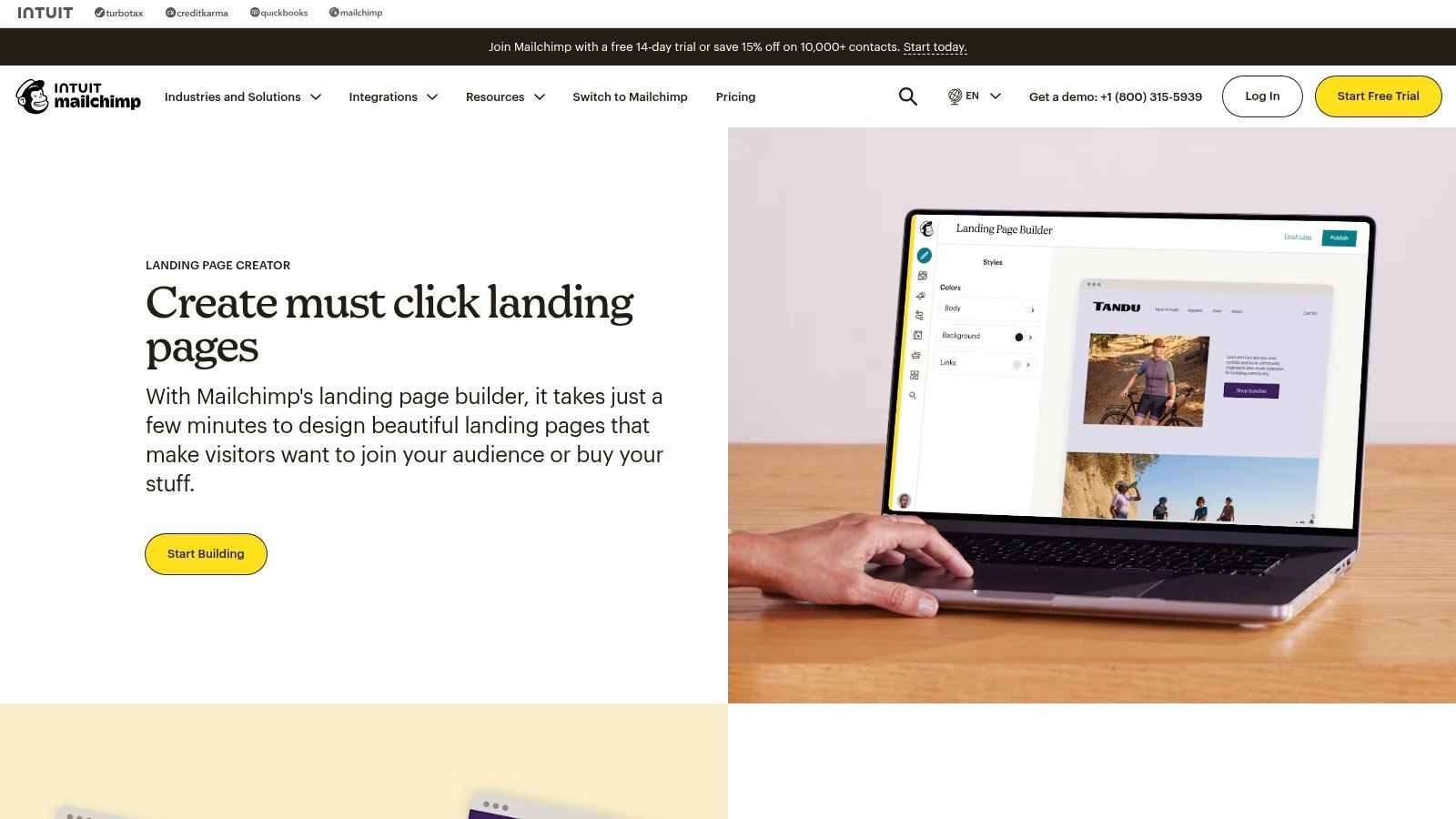
The primary advantage is the seamless connection between your landing page and your CRM. When a visitor signs up, their information is automatically added to your selected Mailchimp audience, triggering welcome emails or other automations without any third-party tools. This streamlined process is perfect for users who prioritize speed and simplicity over extensive design customization.
Key Features & User Experience
Mailchimp’s drag-and-drop editor is straightforward, allowing you to quickly add forms, images, and text. While not as flexible as a dedicated WordPress builder, it excels at creating focused, single-purpose pages.
- Seamless CRM Integration: Automatically syncs new contacts with your Mailchimp audiences, simplifying lead management and follow-up campaigns.
- Built-in Analytics: Track visits, clicks, and conversions directly within your Mailchimp dashboard, providing clear performance insights. You can further optimize these results by understanding the best practices for split testing landing pages.
- Free Hosting: Publish your page on a free Mailchimp domain, eliminating the need for separate hosting for simple, temporary campaigns.
Although Mailchimp provides excellent landing page templates free of charge, its free plan has limitations. You’ll encounter branding on your pages and are constrained by contact limits. Advanced features and custom domain usage require upgrading to a paid plan.
Website: Mailchimp Landing Page Builder
12. Carrd
Carrd excels at creating simple, elegant, and highly responsive single-page websites. While not a WordPress or Elementor-specific resource, its speed and ease of use make it an unbeatable choice for quickly launching standalone landing pages for events, product validation, or personal portfolios. The platform offers a generous free plan that includes access to a variety of professional templates.
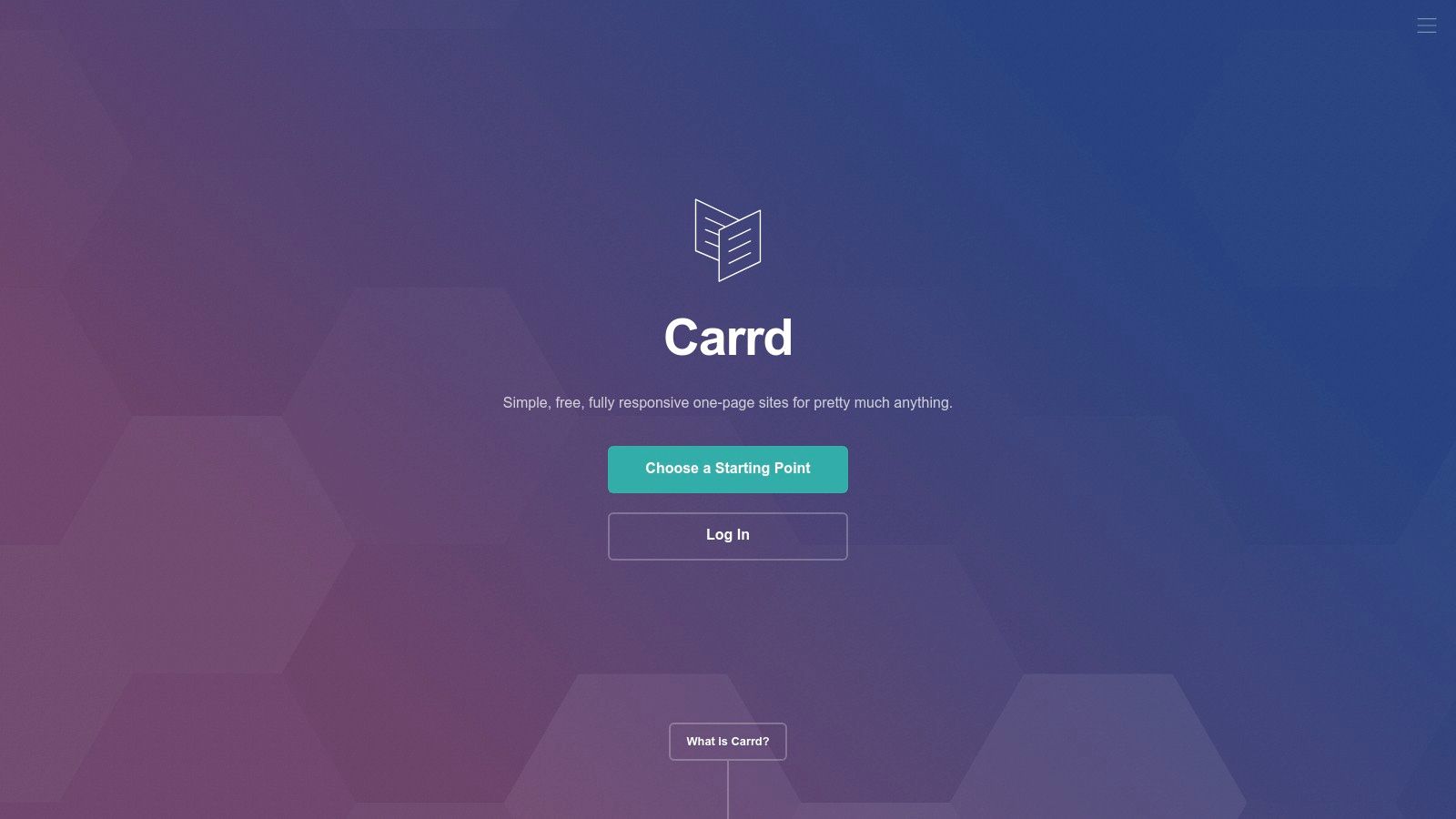
The primary advantage of Carrd is its simplicity. You can select a template, customize the content, and publish a live site in under an hour without writing a single line of code. This makes it a go-to tool for marketers and entrepreneurs who need to test an idea or create a "link-in-bio" page swiftly.
Key Features & User Experience
Carrd’s editor is incredibly intuitive, presenting all customization options in a clean, non-intrusive sidebar. This streamlined interface makes the building process feel fast and focused.
- Radical Simplicity: The platform is purpose-built for one-page sites, stripping away the complexity found in larger website builders.
- Generous Free Plan: You can build and host up to three separate sites for free using a
carrd.cosubdomain, which is perfect for temporary campaigns or personal projects. - Cost-Effective Pro Features: Upgrading to a Pro plan is extremely affordable and unlocks powerful features like custom domains, contact forms, Google Analytics integration, and the ability to embed third-party widgets.
While the free plan has limitations, such as Carrd branding and no form integrations, it provides excellent landing page templates free for anyone needing a beautiful, functional single page without the overhead of a full CMS.
Website: Carrd
Top 12 Free Landing Page Templates Comparison
| Product | Core features | UX / Quality (★) | Price & Value (💰) | Target & USP (👥 ✨) |
|---|---|---|---|---|
| 🏆 Exclusive Addons | 108+ widgets (39 free, 69 Pro); Header–Footer, Lottie, WooCommerce; 64+ templates, 900+ blocks; conditional asset loading | ★★★★☆ • 60k+ installs | Free tier; Pro unlocks full library 💰 | 👥 Devs, designers, agencies • ✨ Performance-first, workflow boosters (cross-site copy/paste, demo previewer) |
| Elementor Kit & Template Library | One-click kit import inside Elementor; vetted templates & parts | ★★★★☆ • Seamless editor flow | Free + Pro kits available 💰 | 👥 Elementor users • ✨ Instant, in-editor kit import |
| WordPress.org Theme Directory | 14k+ free themes; WP-admin updates; searchable features | ★★★☆☆ • Varies by author | Free 💰 | 👥 Budget WP users • ✨ Official, auto-updated repo |
| Astra Starter Templates | Starter Templates plugin; Elementor-ready demos; performance-focused | ★★★★☆ • Lightweight base | Free + premium options 💰 | 👥 Performance-focused sites • ✨ Fast, SEO-friendly starters |
| Templately | One-click insert via plugin; landing pages & full site packs | ★★★★☆ • Frequent updates | Free + premium packs 💰 | 👥 Elementor builders • ✨ Large, regularly refreshed packs |
| Webflow Templates (Landing Page) | Filterable marketplace; visual no-code editing; responsive defaults | ★★★★☆ • Polished interactions | Free options; paid templates/site plans can be costly 💰 | 👥 Webflow designers • ✨ Rich interactions + visual CMS |
| Start Bootstrap | MIT-licensed Bootstrap HTML/CSS templates; GitHub sources | ★★★☆☆ • Code-centric | Free (commercial ok) 💰 | 👥 Developers • ✨ Fully open-source, dev-friendly |
| BootstrapMade | Curated responsive Bootstrap templates across niches | ★★★☆☆ • Quick responsive starts | Free & premium tiers 💰 | 👥 Devs/designers • ✨ Niche-focused, ready-to-customize |
| One Page Love | Aggregated single-page templates across platforms; demos & links | ★★★☆☆ • Discovery hub | Links to free/paid resources 💰 | 👥 Explorers/designers • ✨ Cross-platform template discovery |
| Figma Community – Landing Page Templates | Remixable UI kits; sections & blocks; easy handoff | ★★★★☆ • High-fidelity design | Free (Figma account) 💰 | 👥 Designers & teams • ✨ Fast prototyping & design handoff |
| Mailchimp Landing Page Builder | Drag-and-drop templates; audience & analytics integration | ★★★☆☆ • Campaign-focused | Free with limits; paid for custom domains/limits 💰 | 👥 Marketers • ✨ Built-in CRM/analytics integration |
| Carrd | Simple one-page builder; many templates; quick publishing | ★★★★☆ • Extremely simple | Free (limited); very affordable Pro plans 💰 | 👥 Solo creators, MVPs • ✨ Ultra-low-cost, fast launch tool |
Final Thoughts
Our comprehensive journey through the world of free landing page templates has revealed a powerful truth: you don't need a significant budget to create stunning, high-performance landing pages. From dedicated Elementor template libraries like Exclusive Addons to broader resource hubs like Figma and BootstrapMade, the options are vast and cater to a wide range of needs, skills, and project goals. The key to success isn't just finding a template; it's about making a strategic choice that aligns perfectly with your objectives.
The core takeaway is that a "free" template is only the starting point. The real value is unlocked through thoughtful customization, strategic content placement, and a relentless focus on the user experience. A visually appealing design can capture attention, but a clear value proposition, compelling copy, and an intuitive call-to-action are what drive conversions.
Your Roadmap to Choosing the Right Free Template
As you move forward, the sheer number of choices can feel overwhelming. To cut through the noise, return to your project's fundamental requirements. Are you a developer who needs a clean, well-structured Bootstrap foundation, or are you an Elementor-focused designer looking for a pixel-perfect template kit that can be imported in seconds?
Consider these critical factors before making your final decision:
- Platform & Ecosystem: If you live and breathe inside the WordPress dashboard, sticking with Elementor-native solutions like Astra Starter Templates, Templately, or our own Exclusive Addons library will offer the most seamless workflow. For those comfortable working outside of WordPress and importing designs, Figma presents a universe of UI/UX inspiration.
- Customization vs. Speed: How much time do you have? A service like Carrd is built for incredible speed, letting you launch a simple, effective page in minutes. In contrast, a template from Start Bootstrap or a kit from Elementor itself provides a more robust foundation that requires a greater time investment for customization but offers more flexibility.
- Primary Goal: Your landing page's objective should be your North Star. A lead generation page for a SaaS product has vastly different structural and content needs than a portfolio page for a freelance designer or an e-commerce product launch page. Match the template's layout and pre-built sections to your specific conversion goal.
From Template to Conversion Machine
Once you have selected and imported one of the landing page templates free of charge from our list, the real work begins. The template provides the scaffold, but you must build the experience. This means optimizing every element for performance and persuasion. A/B test your headlines, refine your CTA button text and color, compress your images, and ensure your forms are simple and frictionless.
Ultimately, the template is a tool, not a magic bullet. Your understanding of your audience and your unique value proposition are what will transform a generic layout into a powerful conversion asset. Once you've chosen your free landing page template, the next step is to optimize it for maximum impact. Learn more about building truly effective High-Converting Ecommerce Landing Pages to ensure every visitor counts. By pairing a strong foundational template with smart optimization strategies, you create a winning formula for digital marketing success.
Ready to unlock a massive library of professionally designed, fully customizable templates right within your Elementor editor? Explore the free template kits from Exclusive Addons to find the perfect starting point for your next project. Supercharge your workflow and build better websites faster with our powerful widgets and templates, designed specifically for Elementor.